3. Get started
Download the app called “DENVER SMART HOME”
on your smart phone. It is available on Appstore and
Google play.
The app will ask you to register a user. Please do this
by using your mobile number or email address, and
then log into the app. You will be asked to create a
“family”. This is to make it easy to have several systems
in the app at the same time.
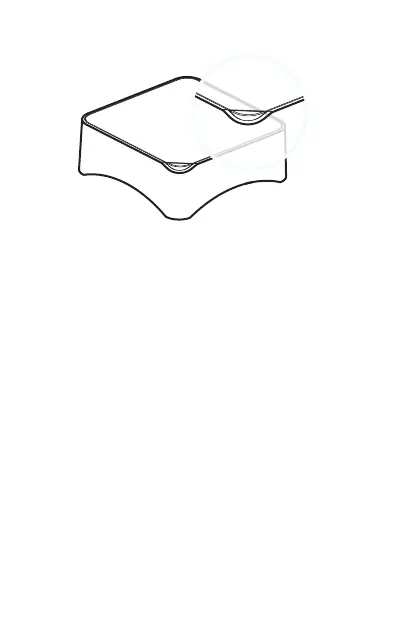
LED indications
- Red Blink/fixed: System Armed
- Blue Blink/fixed: System armed in home mode
- Green Blink/fixed: System disarmed
- Red/Blue/Green fixed: Connected to the server
- Red/Blue/Green Blink Slowly: Wi-Fi network
disconnected
- Green Blink Fast: Wi-Fi network settings EZ mode
- Blue Blink Fast: Wi-Fi network settings AP mode
- White fixed: RF connection mode
ENG 3


 To Next Page