4. Daily use
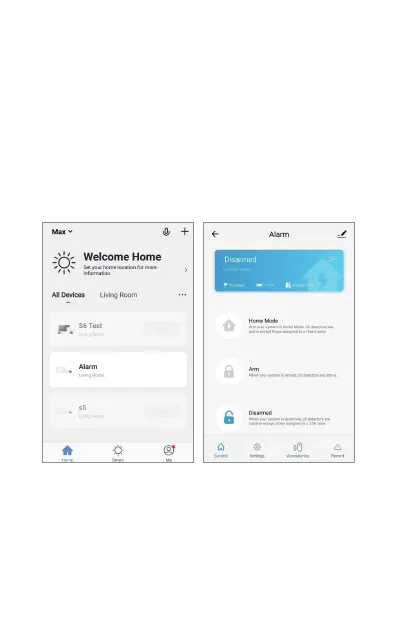
In your home screen of the app you can now find your
alarm. Push this and you will get to alarm setting page.
Here you can arm, disarm, put in home mode etc. This
is also where you add sensors and accessories if you
get more of them. You can also adjust delay time,
automated arm/disarm times etc.
ENG 5
“security & sensor” and then choose “smart camera”
and follow on screen instructions.
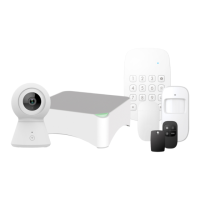
You can also use the remote control to arm/disam
alarm system. And also the keypad that are included.
When using the keypad, push the code (standard 1234,
which can of course be changed) and then the lock to
arm it, do the same thing and the open lock to disarm)


 To Next Page