ENG-2
Install “Denver Smart Life” app on the phone
Search and install the “Denver Smart Life” app from Google Play
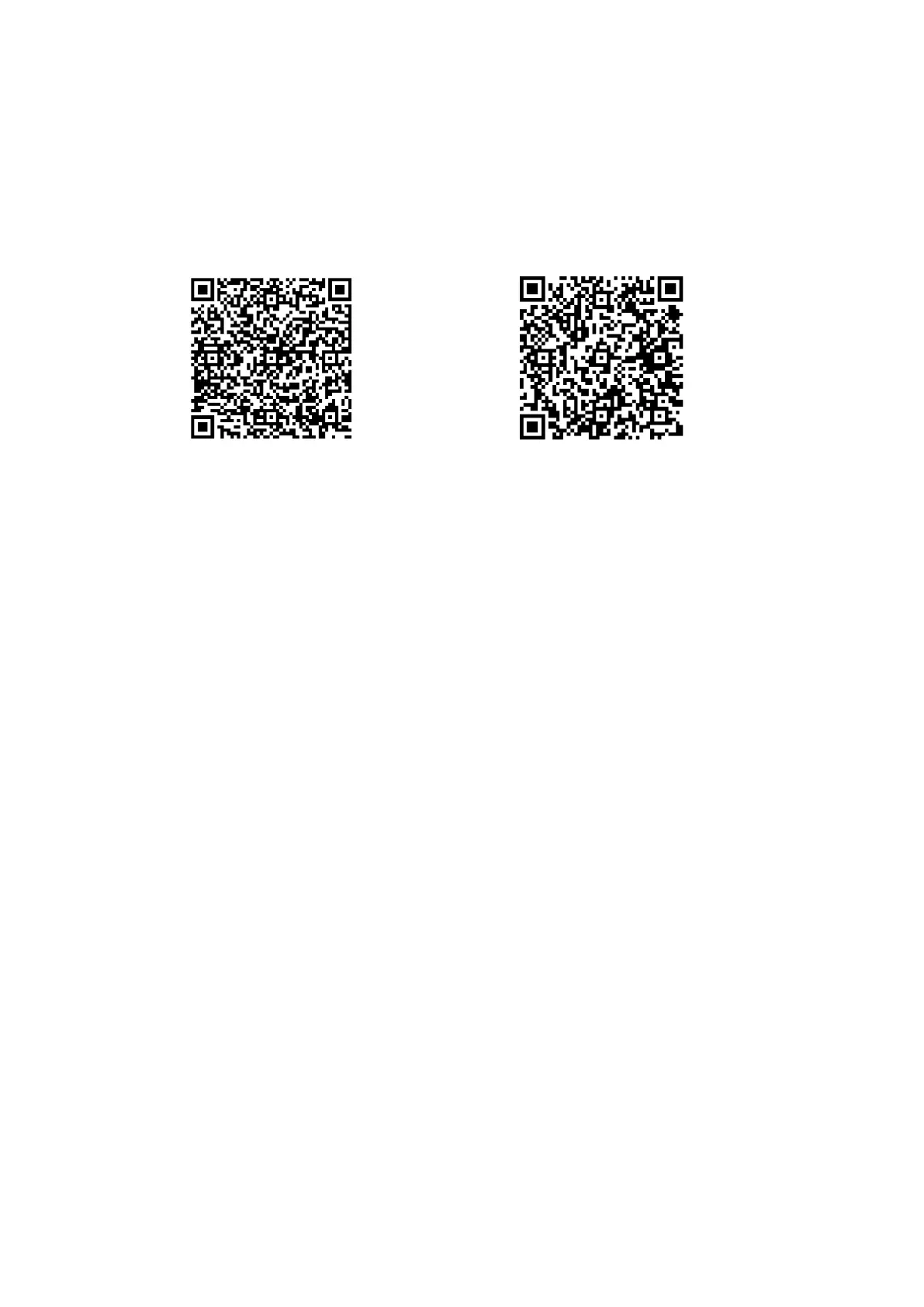
or App Store. Or scan the following QR code to directly install the
app.
Connect the smart watch with the phone
1. Enable Bluetooth on your smart phone.
2. Open the “Denver Smart Life” app on your smart phone, and
then fill in all the requested information in the “Settings”
menu.
3. Tap “Connect device” in the “Settings” menu.
4. Select the smart watch icon to connect.
5. Choose your device name to connect it with your phone.
Unbind smart watch with mobile phone
1. Open the “Denver Smart Life” app on your smart phone.
2. Tap “Disconnect device” in the “Settings” menu and confirm
“OK”.
3. To disconnect your smart watch with an iPhone, click
“Disconnect device” in the “Settings” menu of the “Denver
Smart Life” app, and go to the Bluetooth settings on your
iPhone, then access and select the “Forget This Device” option.


 To Next Page