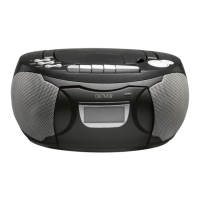
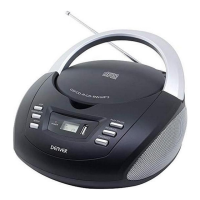
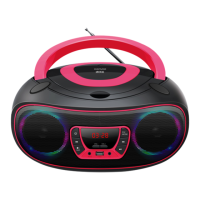
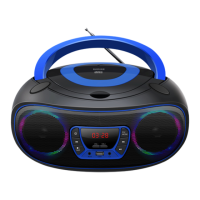
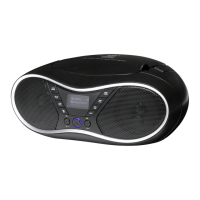
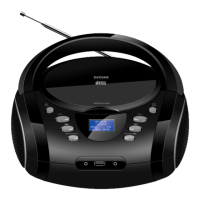
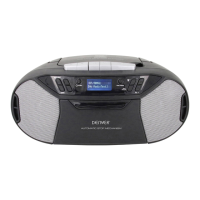
CD Boombox with Radio TC-29
Product overview
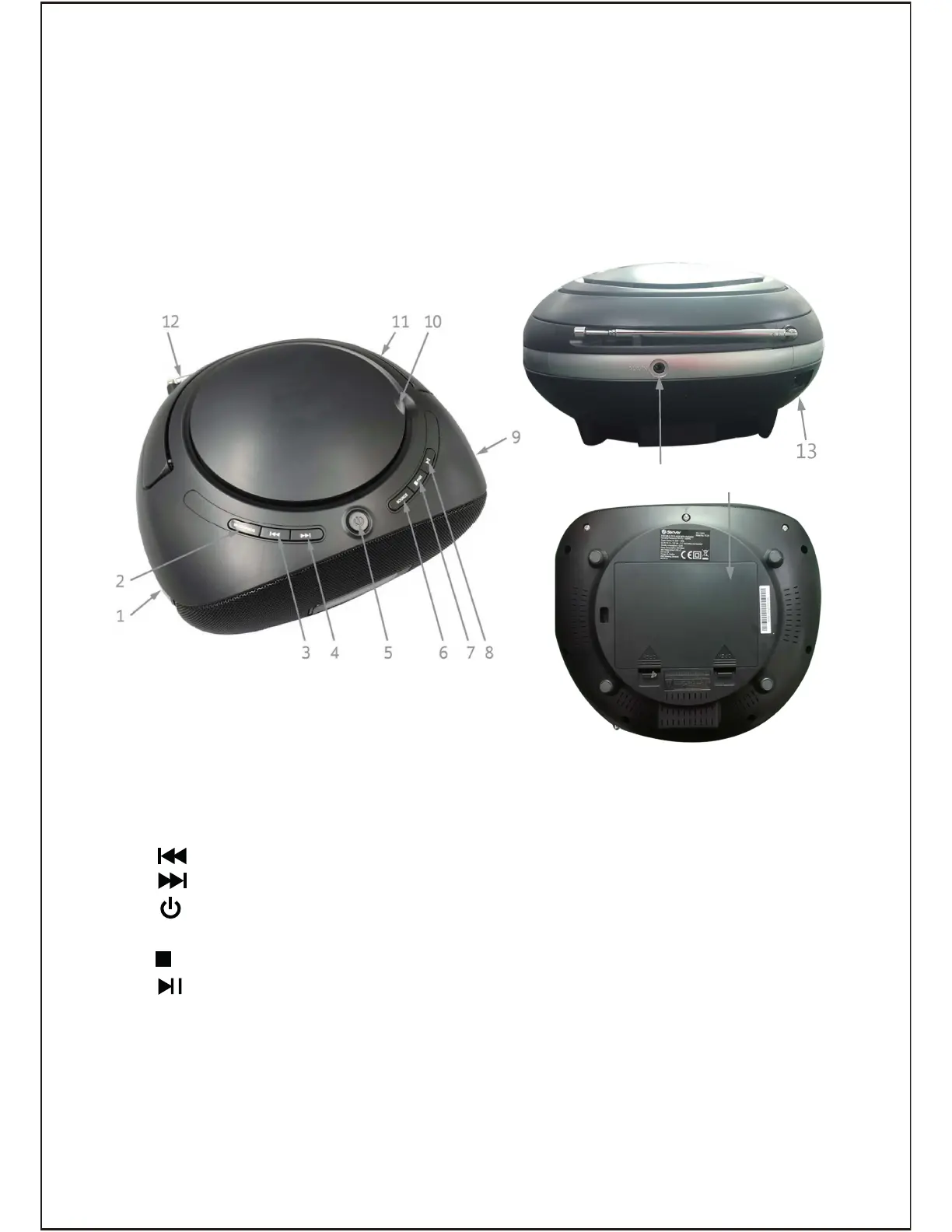
11. Carry handle
12. FM Antenna: Extend and
reposition for better reception
13. AC jack: (at the rear panel) Connect
to the supplied power cable
14. AUX-in jack: (at the rear panel)
Connect to an external audio
playback device
15. Battery compartment (at the
bottom panel): Insert 6x “C”
size batteries
1. VOLUME dial
2. MODE/PROG button
3. (Previous) button
4. (Next) button
5. (on/off) button
6. SOURCE button
7. (stop) button
8. (play/pause) button
9. TUNING dial
10. CD compartment door:
Lift to open and press to close
ENG 2
13
14
15


 To Next Page