EasyManua.ls Logo

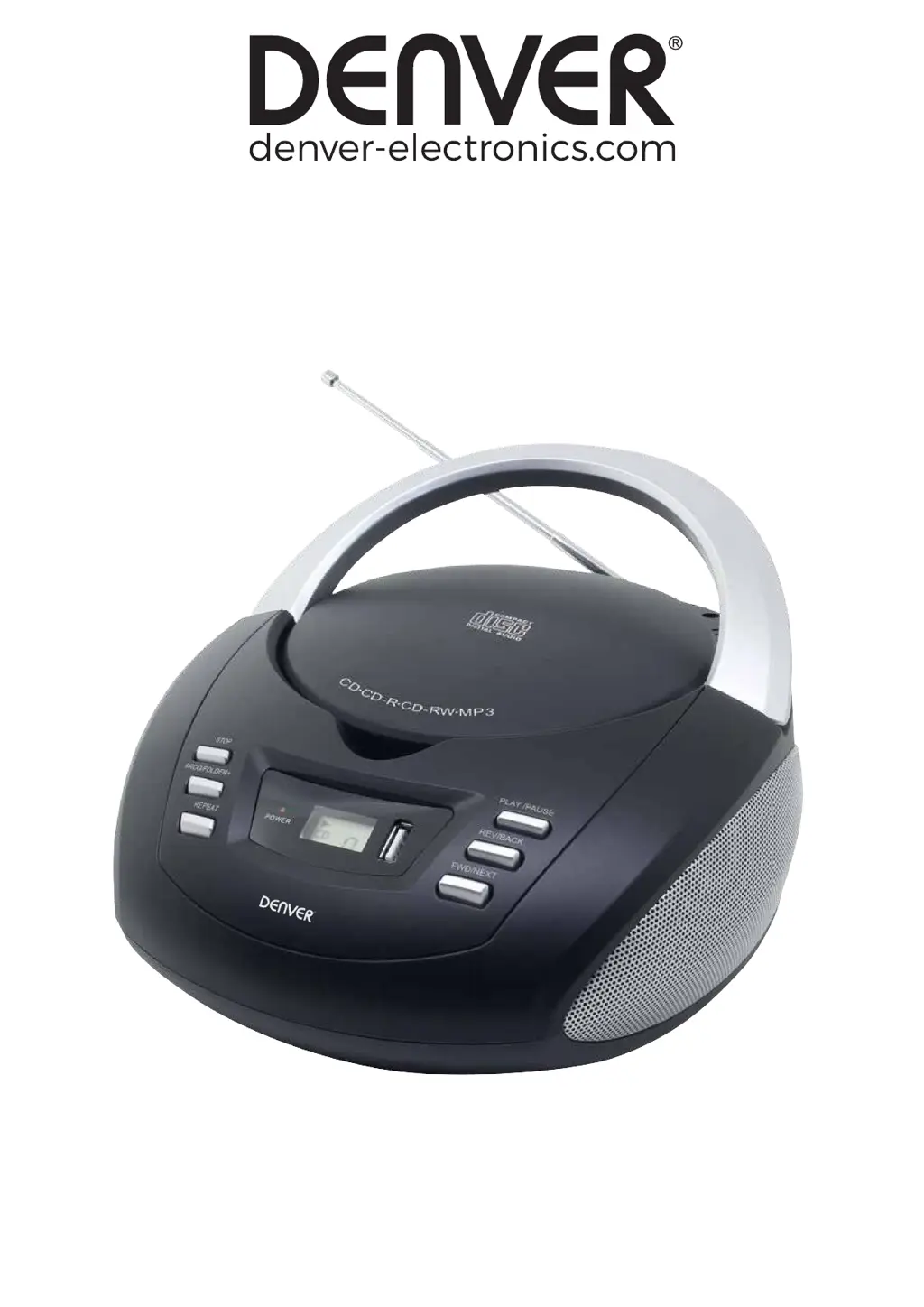
Denver TCU-211 - User Manual

Denver TCU-211
52 pages
Print Icon
To Next Page IconTo Next Page
Loading...
INSTRUCTION MANUAL
Please read this manual carefully before using, and keep it for future reference.
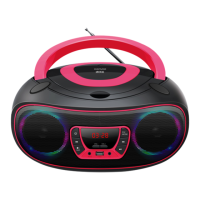
CD BOOMBOX
TCU-211

Questions and Answers

  • M
    Melissa GreerAug 8, 2025
    Why is my Denver Portable Stereo System unable to play a CD?
    • S
      Steven JohnsonAug 9, 2025
      If your Denver Portable Stereo System is unable to play a CD, first ensure that the unit is in CD function mode. Also, verify that the CD is inserted correctly with the label side facing up.
  • S
    stephaniewolfeAug 13, 2025
    What to do if CD skips while playing on Denver Portable Stereo System?
    • S
      Sydney PhillipsAug 13, 2025
      If the CD skips while playing on your Denver Portable Stereo System, the disc may be dirty or scratched. Try wiping the CD with a clean cloth, or use another disc to see if the issue persists.
  • S
    stephensbrookeAug 19, 2025
    What to do if my Denver Portable Stereo System does not work?
    • B
      Bryan JacksonAug 19, 2025
      If your Denver Portable Stereo System isn't working, start by checking the power cable. Ensure it's properly connected both to the AC socket at the back of the appliance and to a functioning electrical outlet.
  • A
    ashleymichelleAug 23, 2025
    How to fix noise or sound distortion on FM broadcast on Denver Portable Stereo System?
    • C
      Caleb DuranAug 23, 2025
      If you experience noise or distorted sound on FM broadcast with your Denver Portable Stereo System, try these steps: First, fine-tune the FM broadcast station. Second, make sure the FM telescopic antenna is fully extended.
  • K
    Kevin AndrewsAug 29, 2025
    What to do if Denver Portable Stereo System does not react to pressed buttons/keys?
    • A
      Alex OnealAug 29, 2025
      If your Denver Portable Stereo System isn't responding to button presses, it might be due to electrostatic discharge. Disconnect the appliance from the power supply, then reconnect the power plug to an electrical outlet.
  • K
    kevinsanchezSep 2, 2025
    Why does my Denver Portable Stereo System enter STANDBY mode after 10 minutes?
    • N
      Nicole RobbinsSep 2, 2025
      If your Denver Portable Stereo System enters STANDBY mode after approximately 10 minutes, this is normal. It's due to a power-saving feature incorporated to meet new ECO regulation requirements.

Denver TCU-211 Specifications

General IconGeneral
BrandDenver
ModelTCU-211
CategoryPortable Stereo System
TypePortable
BluetoothYes
FM RadioYes
USB PortYes
SD Card SlotYes
Headphone OutputsYes
Built-in MicrophoneYes
Power SourceAC and Battery
ConnectivityBluetooth, USB, SD

Related product manuals