GB-5
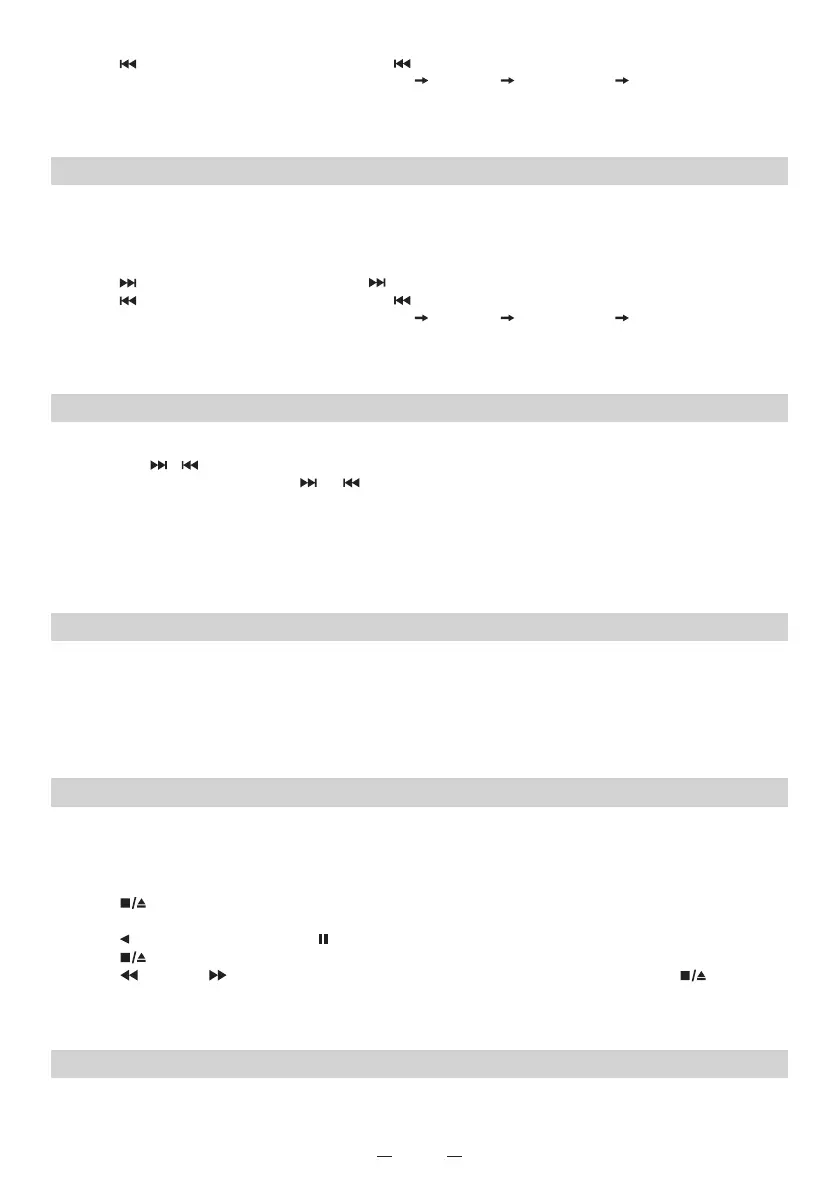
5. Press (SKIP-) to play previous track, hold (SKIP-) to fast backward search the current track.
6. Press REPEAT to select the repeat mode (REP REP ALL REP ALBUM Normal).
7. Press PRESET+/FOLDER+ to select the desired folder.
8. Press PROGRAM to start programing as above CD programing process, press STOP two times to
delete all memory.
G CARD OPERATION
1. Press the FUNCTION to set the unit in “CARD” mode the “CARD” be indicated on the LCD display.
2. Insert CARD key in the CARD port compatible the disc will start playing automatically.
3. Press VOLUME to adjust the sound level, press the DBB to switch the dynamic bass boost effect if
you like.
4. Press (SKIP+) to play next track, hold (SKIP+) to fast forward search the current track.
5. Press (SKIP-) to play previous track, hold (SKIP-) to fast backward search the current track.
6. Press REPEAT to select the repeat mode (REP REP ALL REP ALBUM Normal).
7. Press PRESET+/FOLDER+ to select the desired folder.
8. Press PROGRAM to start programing as above CD programing process, press STOP two times to
delete all memory.
H TUNER OPERATION
1. Press the FUNCTION to set the unit in the FM (RADIO) mode.
2. Press the / to tuning the station.
3. For auto tuning, press and hold or button to scan the frequency, the tuner will automatically
stop on the next strong station.
4. Press PROGRAM to preset the station as your desired.
5. Press and hold the PROGRAM to automatically preset station until the program memory is full.
4. Press VOLUME to adjust the sound level, press the DBB to switch the dynamic bass boost effect if
you like.
5. Press the POWER to turn off the RADIO.
I AUX IN OPERATION
1. Press the FUNCTION to set the unit in “AUX IN” mode and the “AUX” icon will be indicated on the
LCD display.
2. Connect external audio device including phones, MP3 players and tablets to the AUX IN jack. The
audio device will play through the unit.
3. Press VOLUME to adjust the sound level, press the DBB to switch the dynamic bass boost effect if
you like.
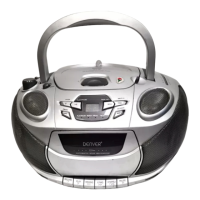
J CASSETTE OPERATION
Use Type 1 (normal) tapes only.
PLAYING BACK A CASSETTE
1. Press the FUNCTION to set the unit in “CASSETTE” mode and the “CASS” icon will be indicated on
the LCD display.
2. Press STOP/EJECT to open the cassette holder and insert a tape with the exposed side down
and the side to be played facing out.
3. Press PLAY to start play. Press PAUSE to pauses playing. To resume play, press again.
4. Press STOP/EJECT to stops playing.
5. Press F FWD/ REW to fast forwards/rewinds, and then to stop winding, press
STOP/EJECT.
6. Press VOLUME to adjust the sound level, press the DBB to switch the dynamic bass boost effect if
you like.
K GENERAL
If an erroneous display or malfunction occurs, disconnect the AC cord and remove all the batteries to
turn off the display. Then turn the power back on.


 To Next Page
 Loading...