When minimum indoor/outdoor temperature and humidity are displayed, press and hold MIN to clear
the minimum values; the unit will start recording and displaying updated data again.
USE INSTRUCTIONS FOR THE WEATHER STATION
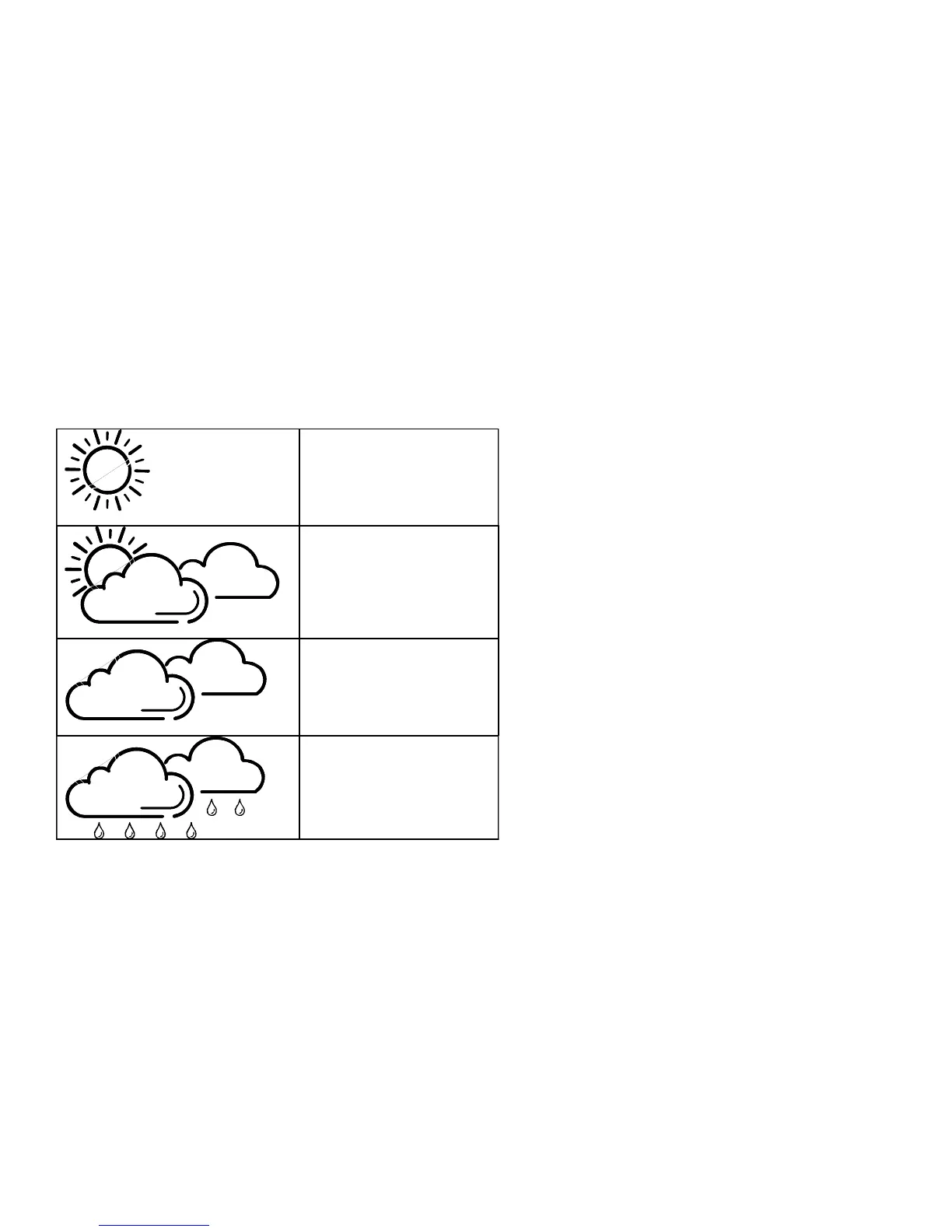
There are four types of weather display on your weather station:
SUNNY
SUNNY AND CLOUDY
CLOUDY
RAINY
Please note: For better use of your weather station, place it in a location with air circulation, e.g. close
to an open window. Placing it in an air-conditioned environment will affect its accuracy.
After your weather station is powered up, it will take around 24 hours to stabilize. The weather icons
on the display give reference to the next 6-12 hours weather conditions. It may not match with the
current weather condition outside.



 To Next Page