EasyManua.ls Logo

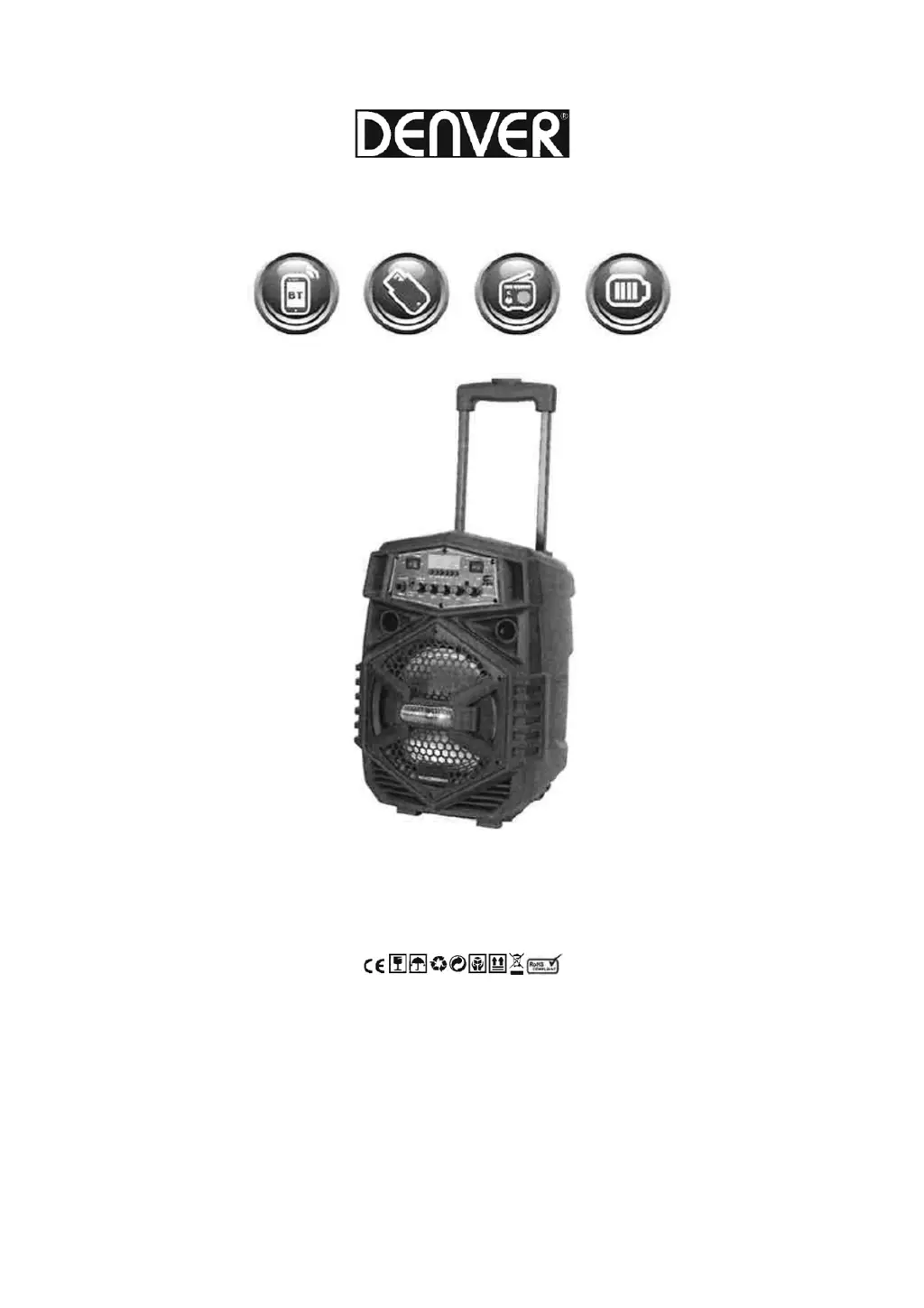
Denver TSP-110 - User Manual

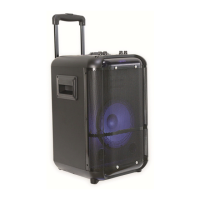
Denver TSP-110
7 pages
Print Icon
To Next Page IconTo Next Page
Loading...
MANUAL
TSP-110
Portable BT Speaker System

Questions and Answers

  • J
    Jamie BurkeAug 4, 2025
    Why is there no sound coming from my Denver speakers?
    • L
      Lori HowardAug 4, 2025
      The Denver speakers may not be producing sound because there is no input sound source or the volume is set too low. Ensure a music signal is present and adjust the volume accordingly.
  • K
    Kim GregoryAug 11, 2025
    What to do if my Denver speakers have sound distortion?
    • J
      Jamie BrownAug 12, 2025
      Sound distortion from your Denver speakers can occur if the volume is too high or the speaker is damaged. Try turning down the volume. If the distortion persists, the speaker may need repair or replacement.
  • R
    Ryan AdamsAug 19, 2025
    How to fix Denver speakers when MP3 does not play?
    • C
      Carolyn TerryAug 19, 2025
      If your Denver speakers aren't playing MP3 files, it could be due to several reasons: the song format may be incorrect, a process disorder may have occurred due to improper operation, or the USB disc is disconnected. To resolve this, transform the song format into MP3, reboot the machine, and ensure the USB disc is properly inserted.
  • M
    marc26Aug 27, 2025
    How to troubleshoot karaoke not working on Denver TSP-110 Speakers?
    • G
      greenrichardAug 27, 2025
      If the karaoke function is not working on your Denver speakers, it could be due to a few reasons: the microphone plug may not be fully inserted, the microphone switch might not be on, or the microphone volume knob could be at its lowest position. Ensure the microphone is properly plugged into the socket, the microphone switch is turned on, and the microphone volume is appropriately adjusted.

Summary

WARNING

General Safety Guidelines

Essential safety precautions to prevent damage to the device or personal injury during use.

FEATURES OF THE MACHINE

FRONT PANEL FUNCTIONS

Front Panel Controls

Details the purpose and operation of all buttons and ports located on the front of the speaker.

MP3 Control Board Operations

Explains how to use the MP3 control board, including recording and mode selection.

REMOTE CONTROL FUNCTIONS

Remote Control Layout

Identifies and explains the function of each button on the provided remote control.

TROUBLE SHOOTING

Common Faults and Solutions

Addresses typical problems like no sound or distorted sound with their possible causes and fixes.

Bluetooth Connectivity Guide

Instructions for connecting and troubleshooting the Bluetooth wireless connection.

Denver TSP-110 Specifications

General IconGeneral
BrandDenver
ModelTSP-110
TypePortable speaker
Output Power3W
ConnectivityBluetooth
WaterproofNo
FeaturesAUX input

Related product manuals