Preparation
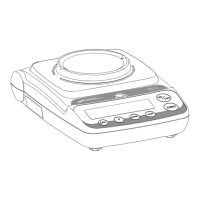
• This product is intended for indoor use and portable applications.
• Select a suitable work area.
• Work area should be relatively free from drafts and vibrations.
• Work surface should be level and rigid.
• Do not locate near magnetic materials or equipment/instruments
which use magnets in their design.
• Avoid areas which have variations in room temperatures or have
excessive room temperatures. Room temperatures above 105°F/40°C
or below 60°F/15°C could affect balance operation and accuracy.
Installation
• Remove balance and accessories from the carton. Save packing mate-
rial for transportation purposes.
• A rechargeable battery is already installed in your balance.
• Charge balance for 12 hours before using on battery power.
• When the battery icon flashes, you must recharge the unit.
• If using the AC adapter, insert power cord into the receptacle located
on the rear of the unit. Firmly push in the plug.
• Allow the balance to warm up for 30 minutes prior to use.
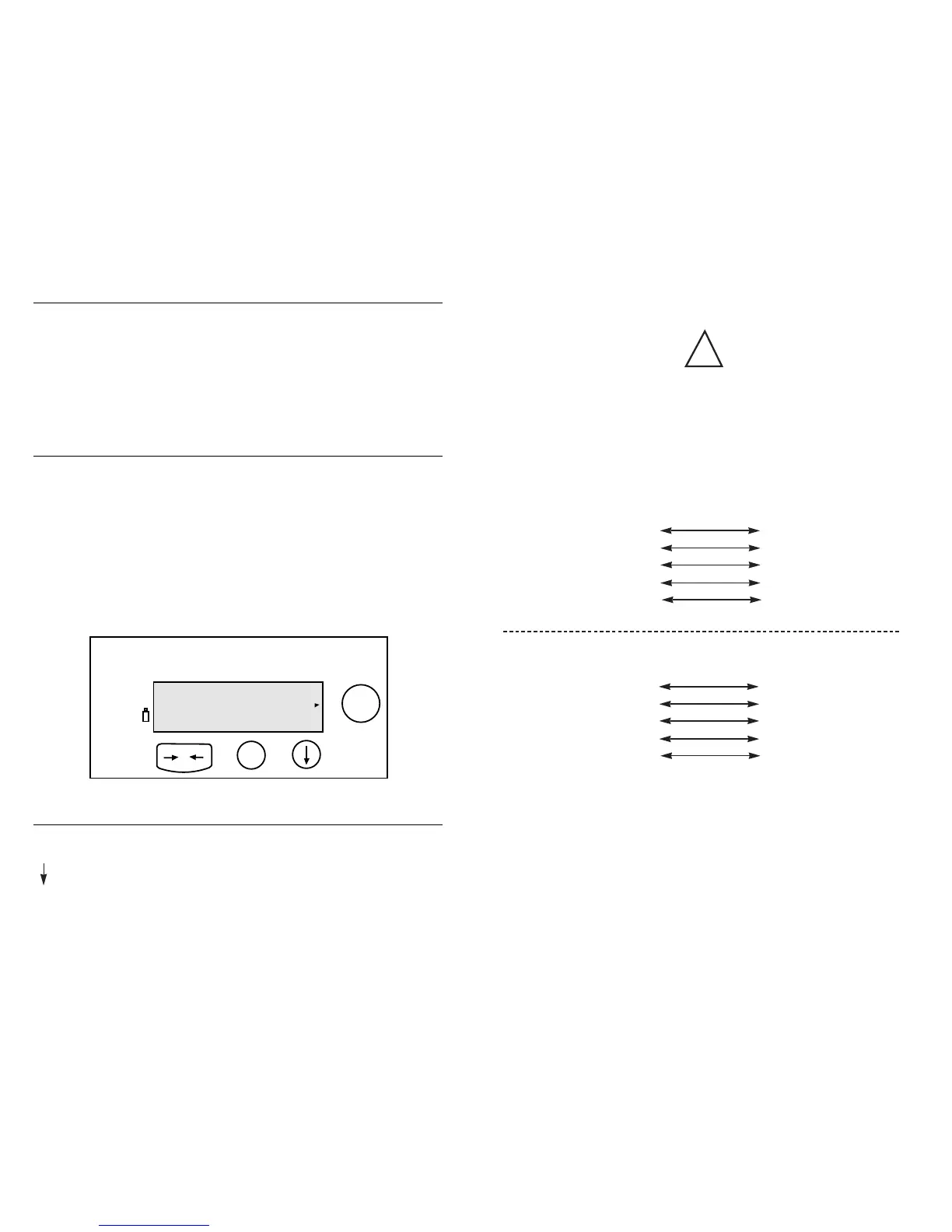
Your balance features a numeric display that continuously shows your weigh-
ing results. The number of decimal places displayed depends on the XP model.
Function Keys
I/O Turns balance ON or OFF, or Standby if AC adapter is connected.
Scroll; for selecting various units of weight or options.
*
Print/Menu
–0– Zero/Tare; returns display to zero, exits from menu.
Hardware Handshake
With a 4-wire interface, 1 or 2 more characters can be transmitted after CTS.
Note:
These connections must be made when interfacing
the balance through the RS232C port!
Data Interface Cable Pin Configuration For XP-Series Balances
DI XP Series Standard RS-232
Balance 9-Pin port 9-Pin Connector
RxD 23TxD
TxD 32RxD
DTR 44DTR
Signal Ground 55Signal Ground
CTS 88CTS
DI XP Series Standard RS-232
Balance 9-Pin Port 25-PIN Connector
RxD 22TxD
TxD 33RxD
DTR 420DTR
Signal Ground 57Signal Ground
CTS 85CTS
!


 To Next Page