Button Controls
STOP
DRY
WET
NORMAL
VAC
SOF
VAC
T
SEAL
ONLY
OUTSIDE
VAC
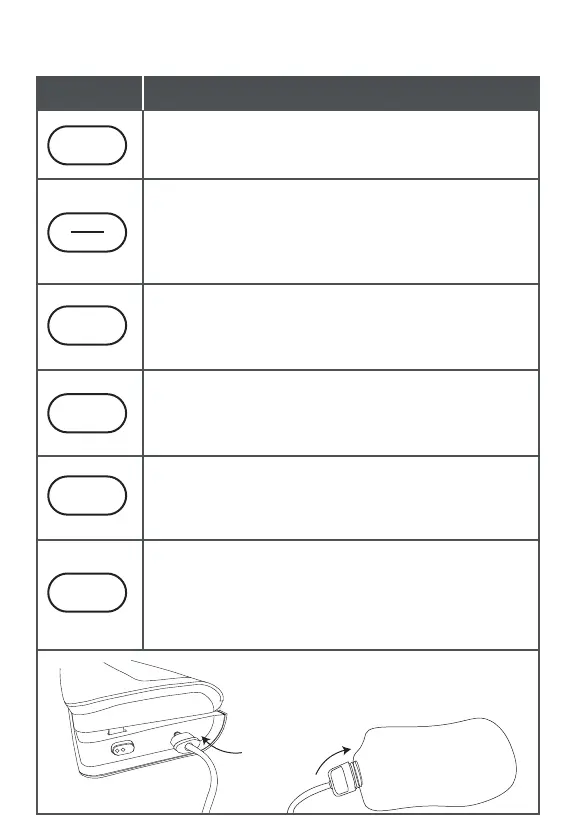
Stop function - It’s used to stop working when vacuuming, single
sealing and outside container vacuuming.
DRY/WET - Vacuum function switch button. Green light indicates
DRY. Red light indicates WET.
DRY - It is suitable for food without any liquid moisture.
WET - It is suitable for food or goods with little moisture, such as
fresh fish, raw meat.
NORMAL VAC - Vacuuming in conventional mode. It is when the
vacuum is pumped, the vacuum degree reaches -80Kpa, suitable for
those who need large suction force or pump the vacuum bag
tightly, such as cereal.
SOFT VAC - Vacuum degree is between - 20Kpa and -40Kpa.
When the vacuum is pumped, which is lower in vacuum degree
and smaller in pumping force compared with Normal VAC. It is
suitable for soft food, such as bread.
SEAL ONLY - This button is for seal needs only. When using
vacuum bag roll, press this button to single seal on open side of
the bag. After pressing, wait for about 7s for it to start to work.
OUTSIDE VAC - Press this button to start or stop vacuuming an
external preservation bag/container. The vacuum will
automatically stop in 5 minutes because some bags/containers
have a large capacity. In emergency situations, the ongoing
vacuuming can be stopped by pressing the start/stop button.
Button
Function
7
Insert the vacuum tube into the exterior hose
port and the other end of the vacuum tube in
an external preservation bag/container
and press "OUTSIDE VAC".
External bag/container



 To Next Page