- 10 -
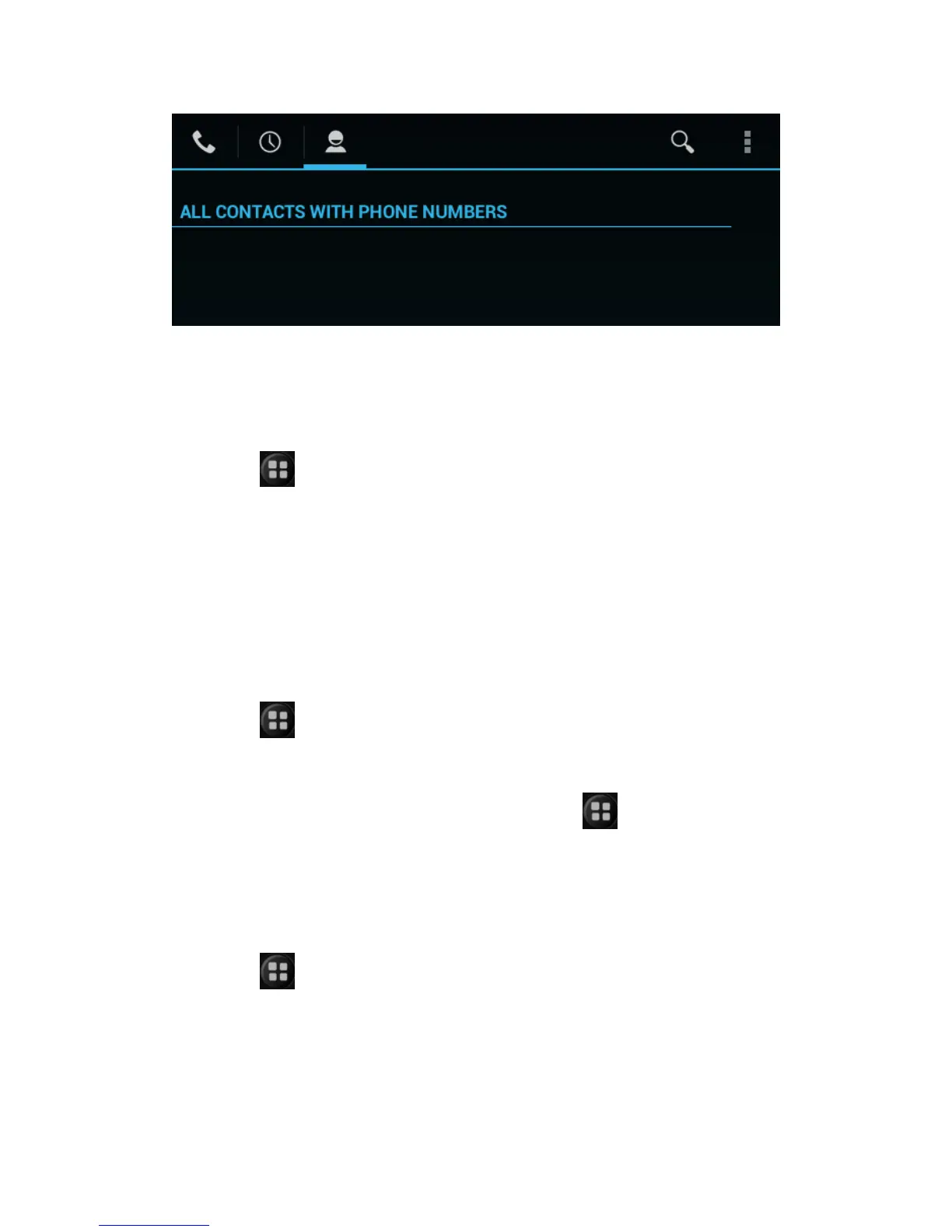
Backup contact
You can export your contacts data to the SD card to spare.
Search this function:
1. Click address list, then open contacts list.
2. Click
> import/export.
3.Click export to SD card.
Click sure in the popup box that display confirm export, backup contact to
SD card.
Import contact
Import From SIM Card
Search this function:
1. Click contact,then open the contact list.
2. Click
> import/export
3.Click import from SIM card.
List all the contacts in your SIM card, click a contact, select import, the contact
was imported into the equipment. You can also click
,choose all import,
import all contact in SIM card into the equipment.
Import From SD Card
Search this function:
1. Click contact,then open the contact list.
2. Click
> import/export
3.Click import from SD card.
Backup the contact that imported from the SD card to the equipment
contact.


 To Next Page