- 12 -
3. DEVICE USAGE
3.1 Calling Guide
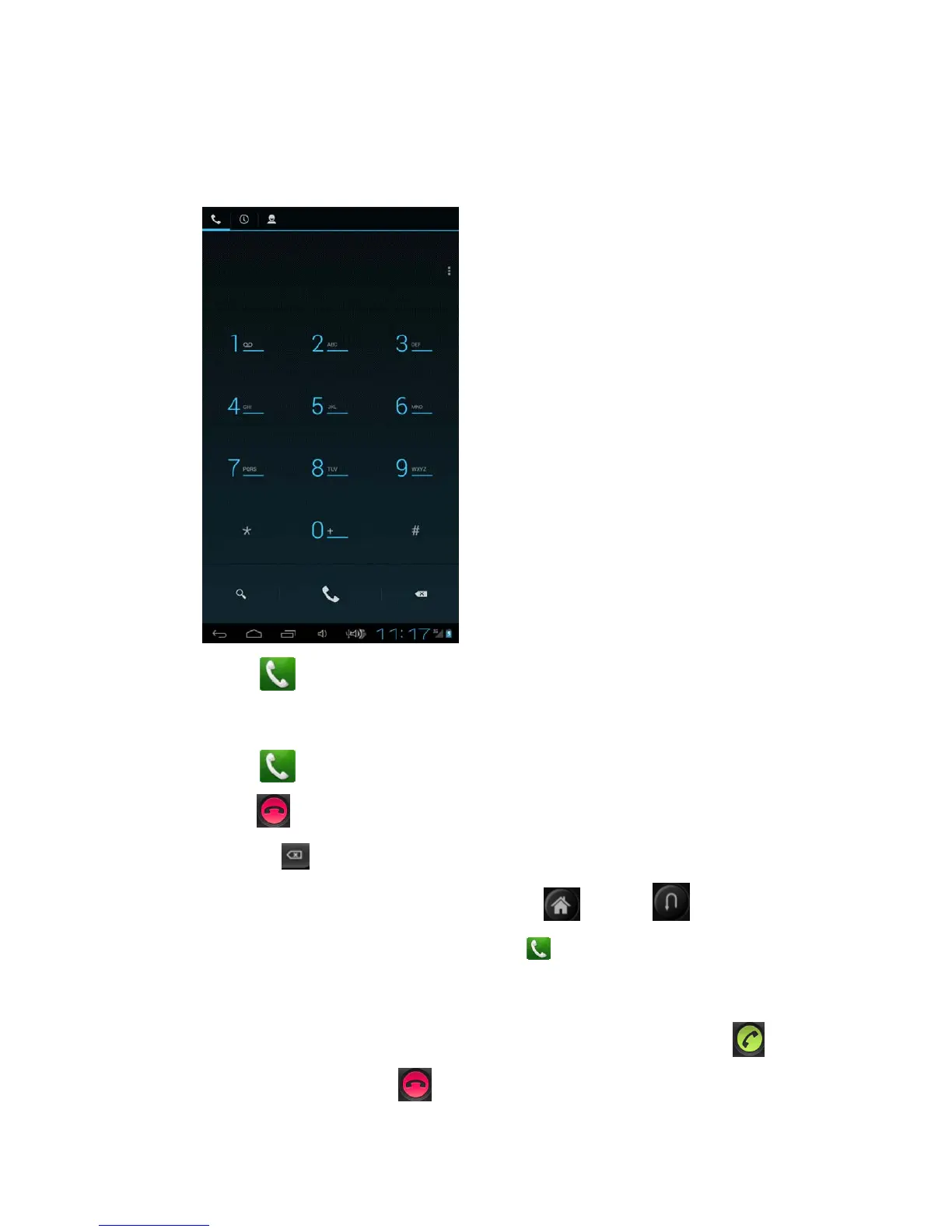
Dial
1. click
,open the keyborad.
2. click numbers,enter phone number.
3. click
,call.
4. click
,call ending。
Noted:1.click
,delete the numbers;
2.When calling,you could click homepage
or return to hide the
calling interface for other operation.click dail
>return the calling and open
the calling interface again.
answer the phone
When a call coming,the device will send the attention,you could slide
to
right for answering,or slide to left for refusing.


 To Next Page