- 8 -
Bell volume
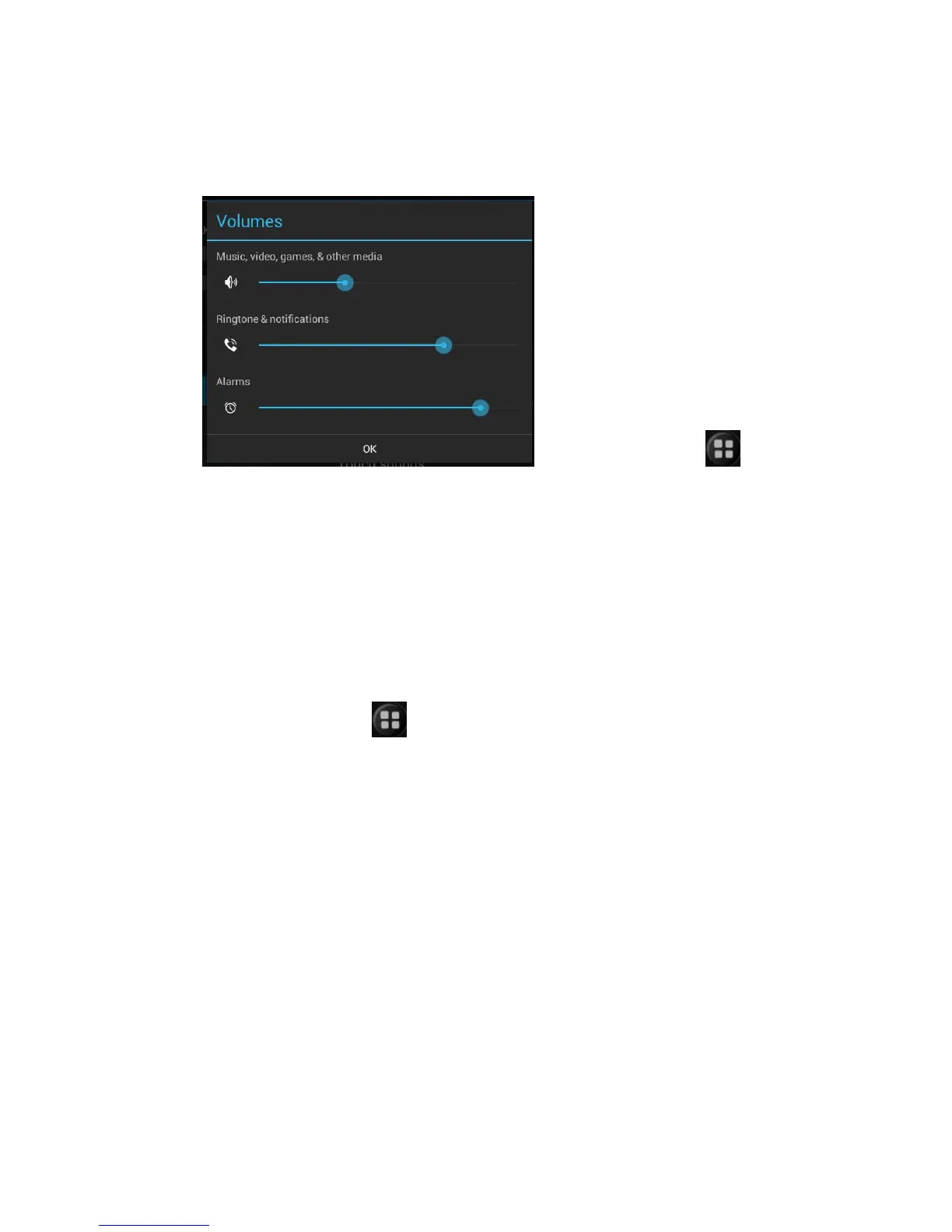
Set bell volume/alarm clock volume
Search this function: > set
> bell volume>volume
Sliding the slider to the right increase the volume, or left sliding reduce the
volume.you can also click the up and down key on left to adjust volume. Click
the silent mode to set mute for equipment.
Noted: When the equipment in silent mode, all voice are mute except the media
and the alarm clock.
Set Equipment Vibration
Search this function:
> set > volume>vibration
Choose equipment vibration mode.



 To Next Page