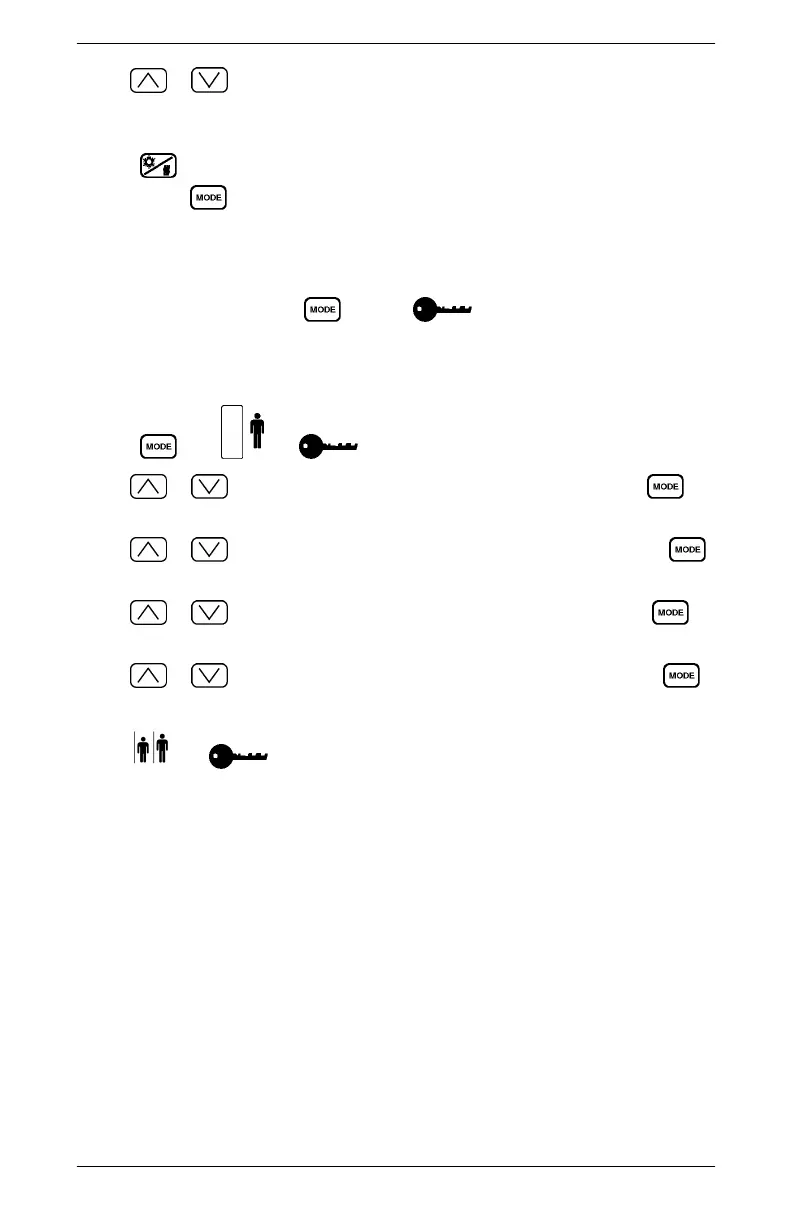
3. Use or to change the maximum Heat Mode temperature limit. Any
temperature below this limit can be used by the driver to set the thermostat for Heat
Mode. The range for this setting is 21 -- 29°C (70 -- 85°F).
4. Press to save your changes for Continuous Run and return to the Main
Display. Press
to continue.
Modifying the Password
1. At the Main Display, press until the icon is displayed and enter the
correct password. Entering the wrong password will either flash a password code
back to the user or return the user to the Main Display. Refer to section "Password
Entry".
2. Press
until and are displayed with the first digit flashing.
3. Use or to change the first digit of the password then press the
button.
4. Use
or to change the second digit of the password then press the
button.
5. Use or to change the third digit of the password then press the
button.
6. Use or to change the fourth digit of the password then press the
button.
7. The
and icons are displayed with the first digit flashing. You will
need to re--enter the new password again for verification, using steps 3 - 6. If the
wrong “new” password is entered incorrectly, the old password is kept and the
display returns to the Main Display.
8. Once the new password is entered correctly, the thermostat will flash the first
two digits and then flash the second two digits. At this point the new password has
been saved.
9. Write down the password for future reference.
Optimized Idle User Manual
All information subject to change without notice. 23
DDC-SVC-MAN-0019 Copyright © 2016 DETROIT DIESEL CORPORATION



 To Next Page