Quick Reference
- 37 -
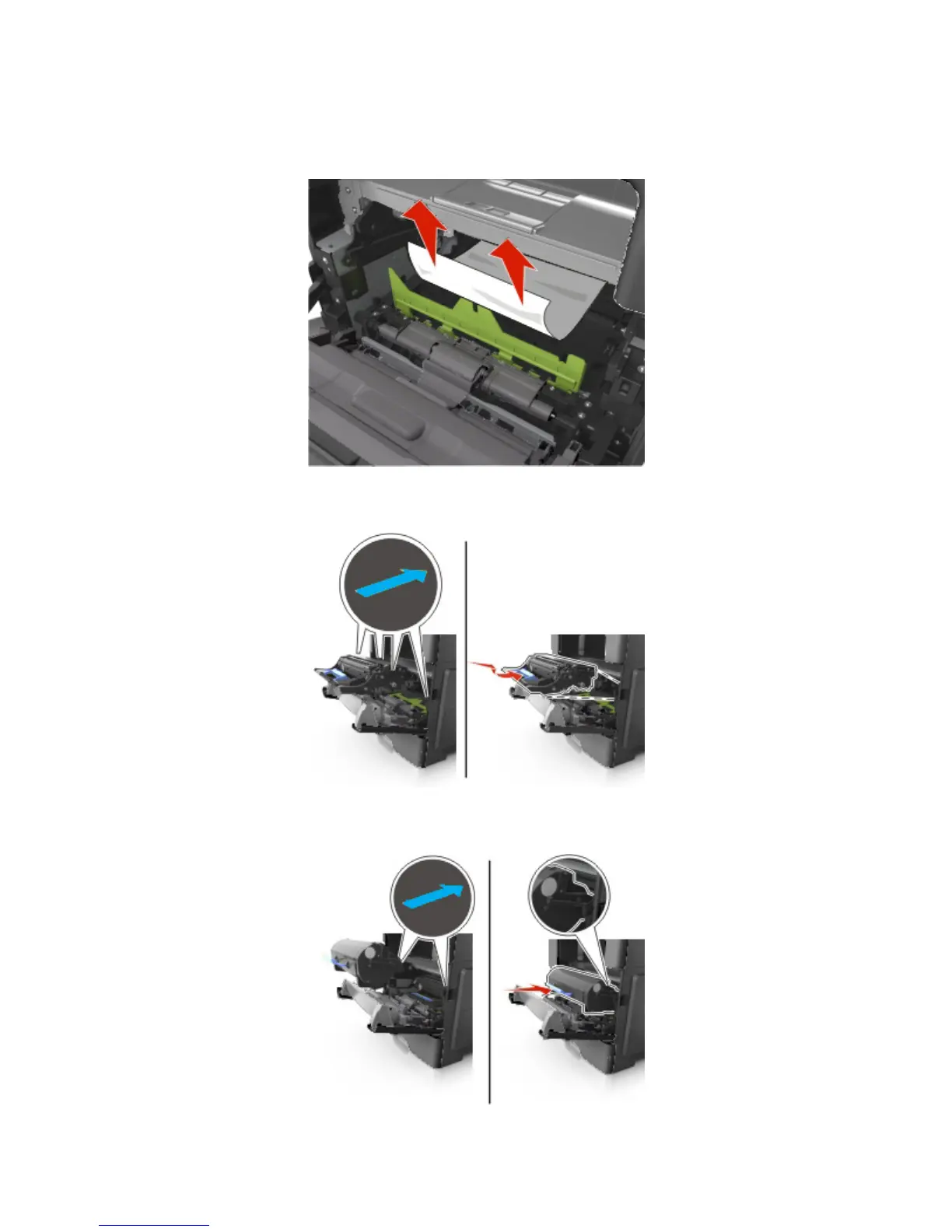
6. Firmly grasp the jammed paper on each side, and then gently pull it out.
Note: Make sure all paper fragments are removed.
7. Insert the imaging unit by aligning the arrows on the side rails of the unit with the arrows on the side
rails inside the printer, and then insert the imaging unit into the printer.
8. Insert the toner cartridge by aligning the side rails of the cartridge with the arrows on the side rails
inside the printer, and then insert the cartridge into the printer.



 To Next Page