Quick Reference
- 5 -
1—Learning about the printer
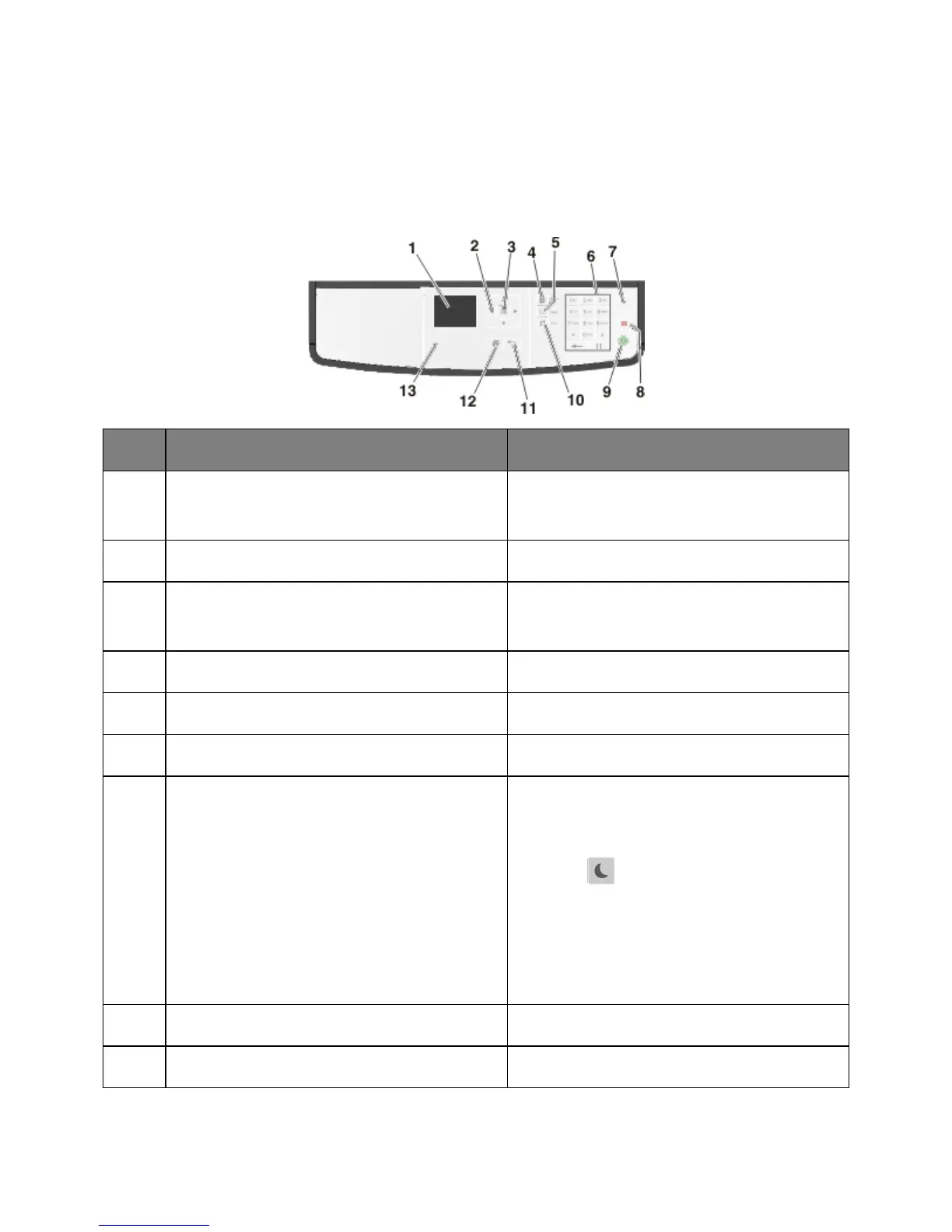
Using the printer control panel
• View the printer status and messages.
• Set up and operate the printer.
Scroll up and down or left and right.
• Save settings.
View all the stored addresses.
View the last number dialed.
Enter numbers, letters, or symbols.
Enable Sleep mode or Hibernate mode.
Do the following to wake the printer from Sleep
mode:
• Press (Sleep button).
• Send a print job from the computer.
• Perform a power-on reset using the main power
switch.
• Receive a fax.
Cancel all printer activity.
Start a job, depending on which mode is selected.



 To Next Page