ineo 223/283/363/423 2-11
2.3 Basic fax operation
2
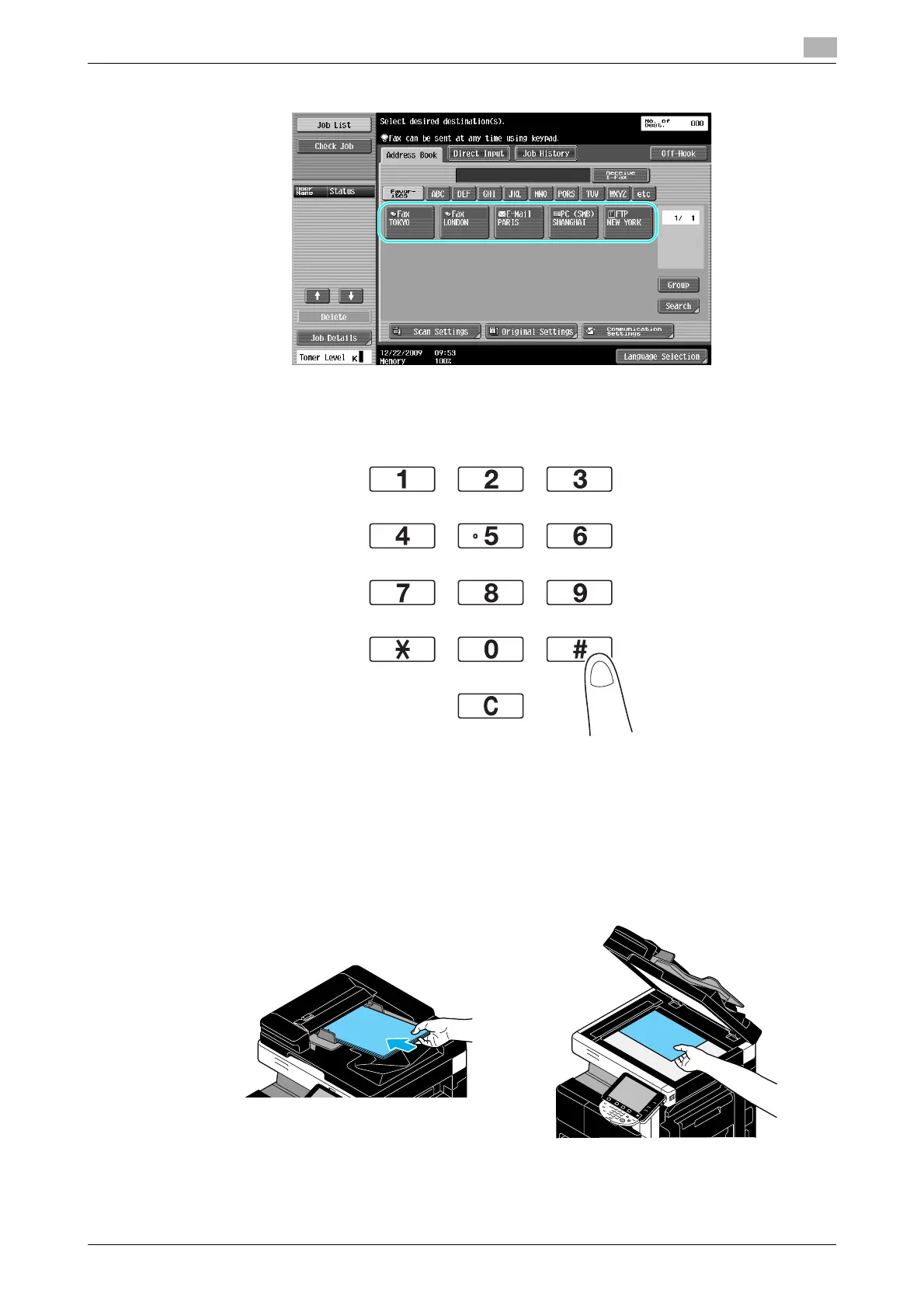
2 Select the destination.
% If fax numbers are already registered, a registered destination can be selected. For details on
registering destinations, refer to page 5-3 of this manual.
% When directly entering the fax number, use the keypad to type in the number.
% A document can be sent to multiple destinations at the same time (Broadcast transmission). For
details on sending a document to multiple destinations, refer to page 5-10 of this manual.
% If necessary, press [Scan Settings], [Original Settings] or [Communication Settings], and specify the
desired settings. For details, refer to chapter 5 of the [User’s Guide Network Scan/Fax/Network Fax
Operations].
3 Position the document to be faxed.
% To scan a document that cannot be loaded into the ADF (a thick document or a document on thin
paper), position it on the original glass.



 To Next Page