ineo 223/283/363/423 2-17
2.5 Basic box operation (registering user boxes)
2
2.5 Basic box operation (registering user boxes)
In order to use the User Box mode functions, boxes must first be created. The following procedure describes
how to register public, personal and group user boxes.
Reference
- A Public, Personal, and Group User Boxes can be registered only when a hard disk is installed.
Box operations
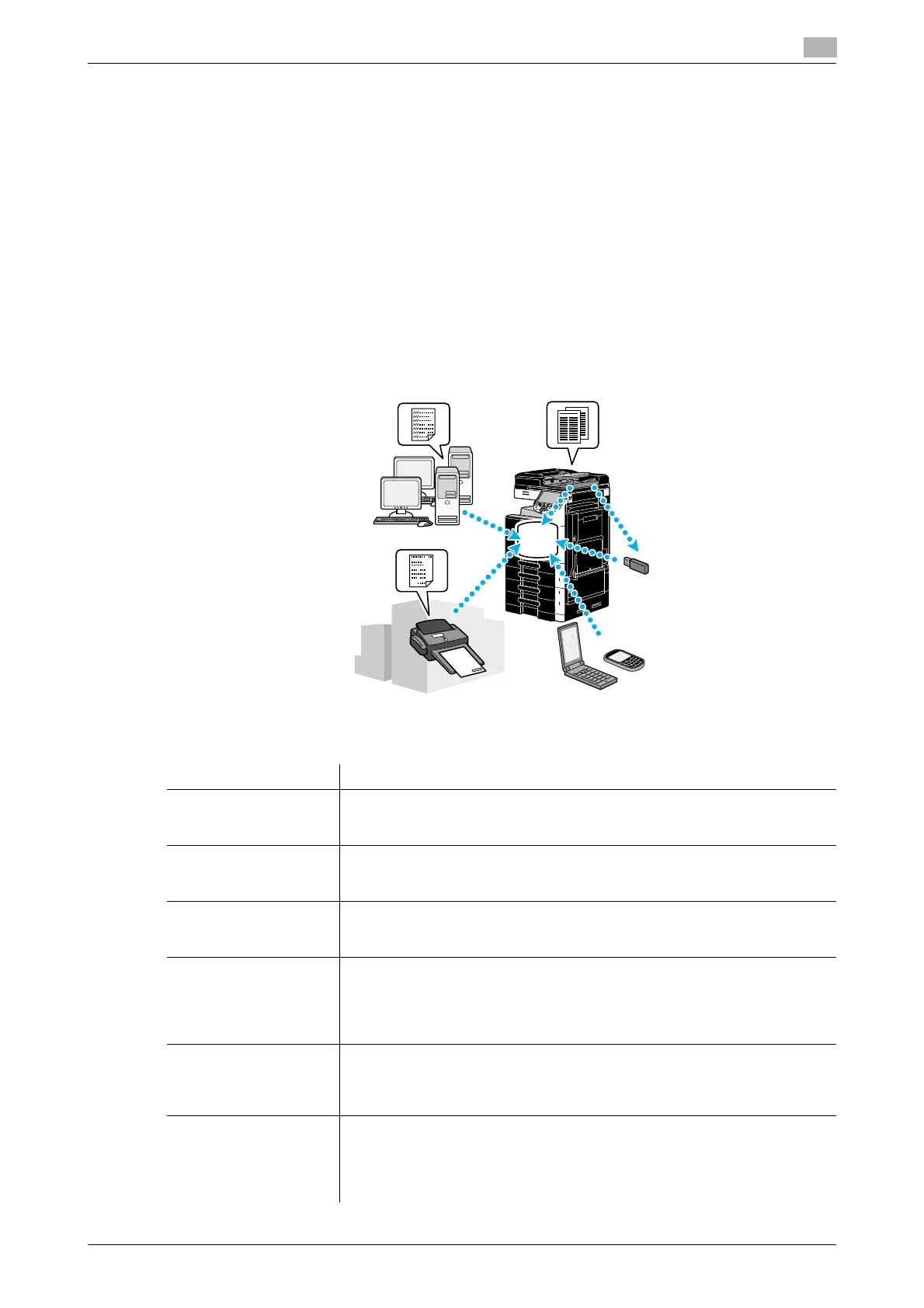
These functions allow document data to be saved on the hard disk installed in the machine and retrieved
when necessary. In addition to data scanned with this machine, data created on the computer and data sent
from another multifunctional peripheral can be saved in this user box.
Reference
- User box functions, excluding some user boxes or functions, are available only when a hard disk is
installed.
The following user boxes can be registered.
Types of user boxes Description
Public user boxes This shared user box can be accessed by anyone. Access can be controlled
if a password is specified. This user box can be registered only when a hard
disk is installed.
Personal user boxes This user box for an individual can only be accessed by users that have
logged on when user authentication settings have been applied. This user box
can be registered only when a hard disk is installed.
Group user boxes This user box can only be accessed by users who belong to the account
(group) and have logged on when account track settings have been applied.
This user box can be registered only when a hard disk is installed.
Bulletin board user box-
es
This user box can be used to share documents through the fax line, even with
recipients not on the network. (The receiving machine must be compatible
with F-codes.) In order to use these user box operations, the optional fax kit
must be installed. For details, refer to chapter 7 of the [User’s Guide Network
Scan/Fax/Network Fax Operations].
Relay user boxes This user box is required for using this machine as a relay station. (The relay
transmission function uses F-codes.) In order to use these user box opera-
tions, optional fax kit must be installed. For details, refer to chapter 7 of the
[User’s Guide Network Scan/Fax/Network Fax Operations].
Annotation user boxes This user box is used when adding an image of the date/time or annotation
number to a document data saved in Scan function. This user box is regis-
tered in Administrator mode. For details, refer to chapter 8 of the [User’s
Guide Box Operations]. This user box can be registered only when a hard disk
is installed.



 To Next Page