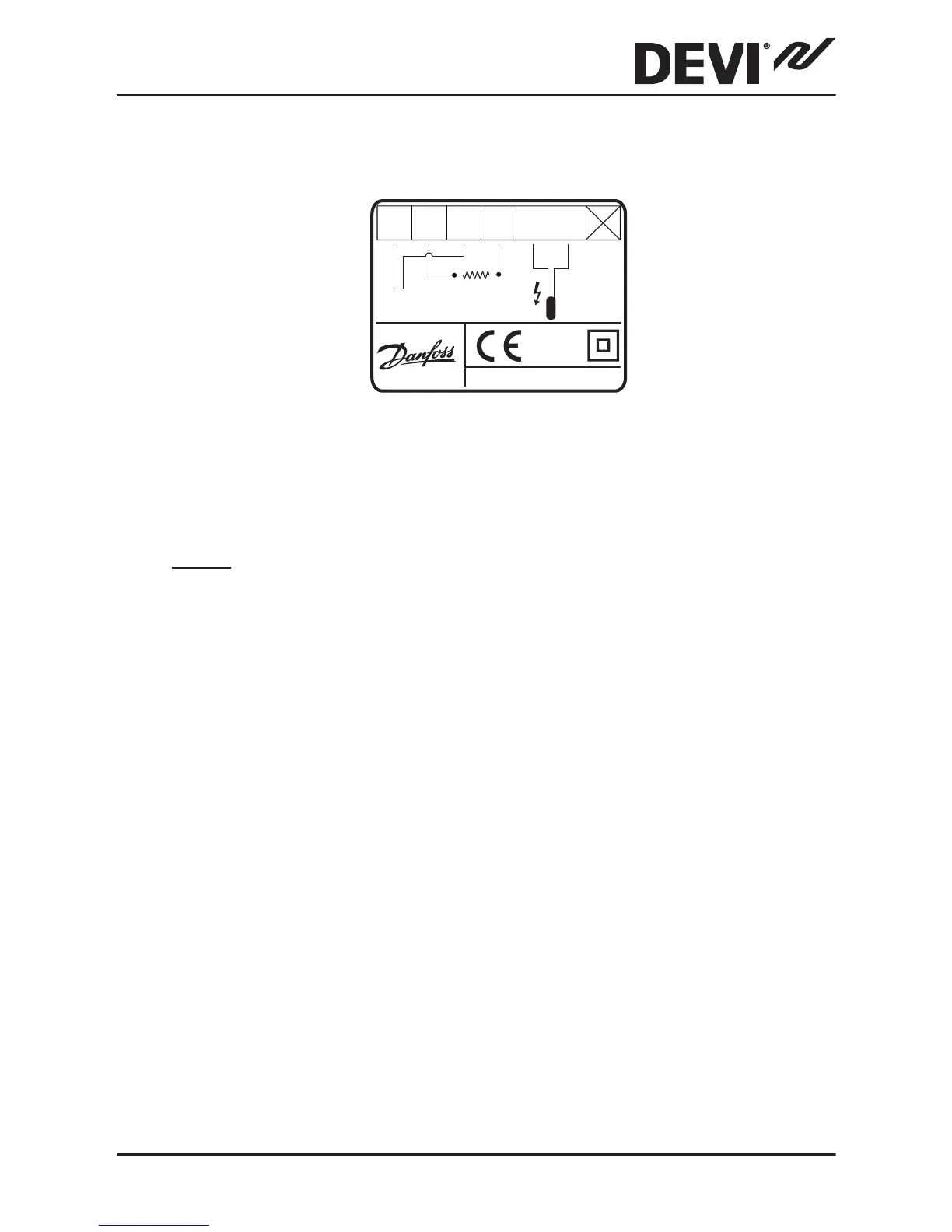
The screen of the heating cable must be connected to
the earth conductor of the power supply cable by us-
ing a separate connector.
Note: Always install the floor sensor in a conduit in the
floor.
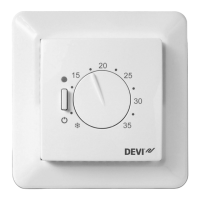
3. Set the maximum floor temperature between 20˚ and
50˚C by turning the screw with temperature indica-
tions in the upper left corner.
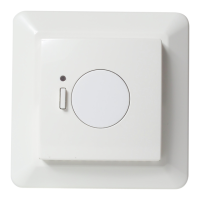
4. Mount and reassemble the thermostat:
▪
Fasten the thermostat to a flush-mounting box or a
surface-mounting box by driving the screws through
the holes in each side of the thermostat.
▪
Install the frame and front cover in the reverse order
of disassembly.
5. Turn on the power supply.
DEVIreg™ 532
Installation Guide 9


 To Next Page