6
15
20
25
30
35
When installing a thermostat from Devireg™ 530 series, you
must first remove the front cover.
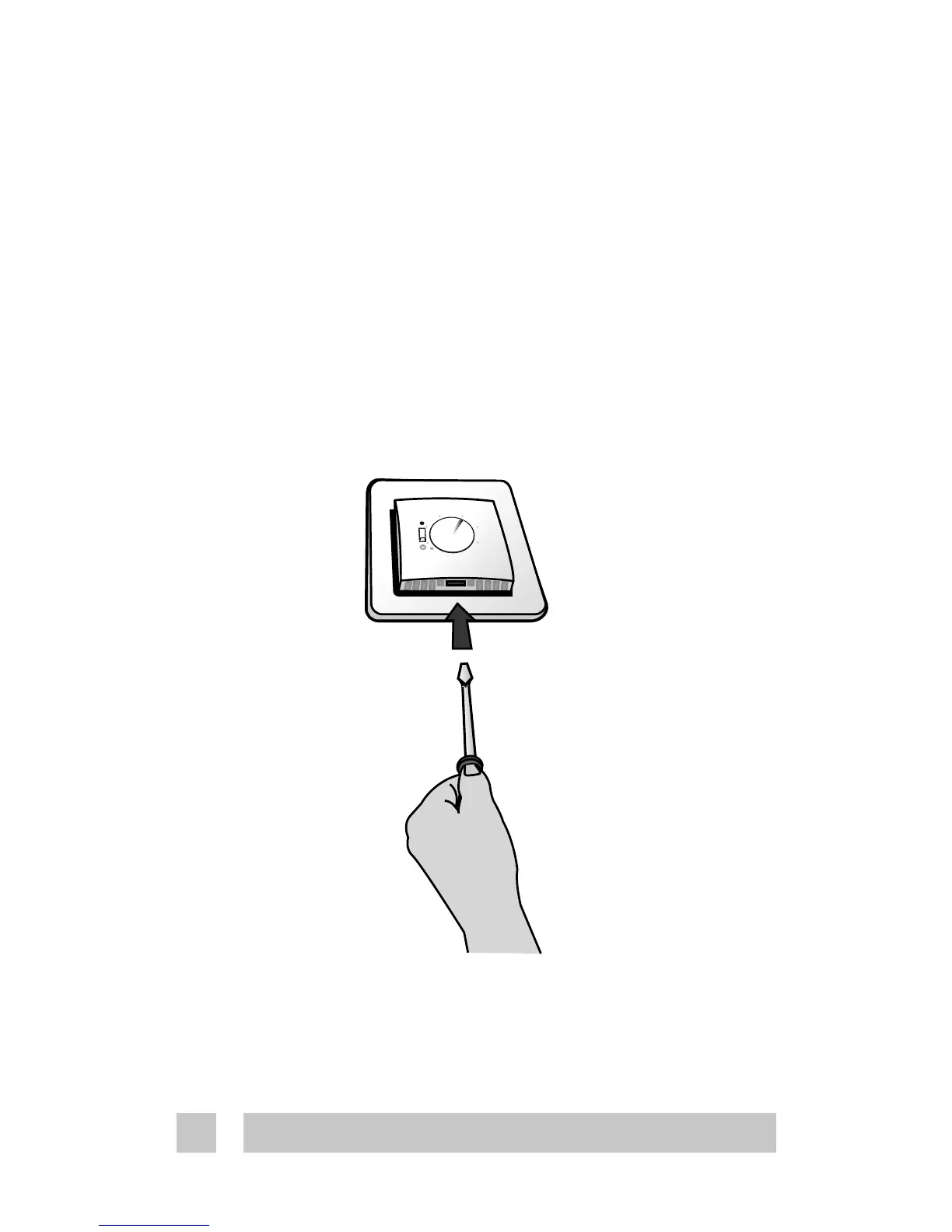
To remove the front cover, gently press the release tabs
under the bottom of the thermostat with a screwdriver. Then
remove the front.
You do not need to remove the set point dial.
4. Installation instructions



 To Next Page