User’s Guide - Devireg™550 Thermostat
14
Set periods with lowering of temperature (timer)
e timer is not factory set.
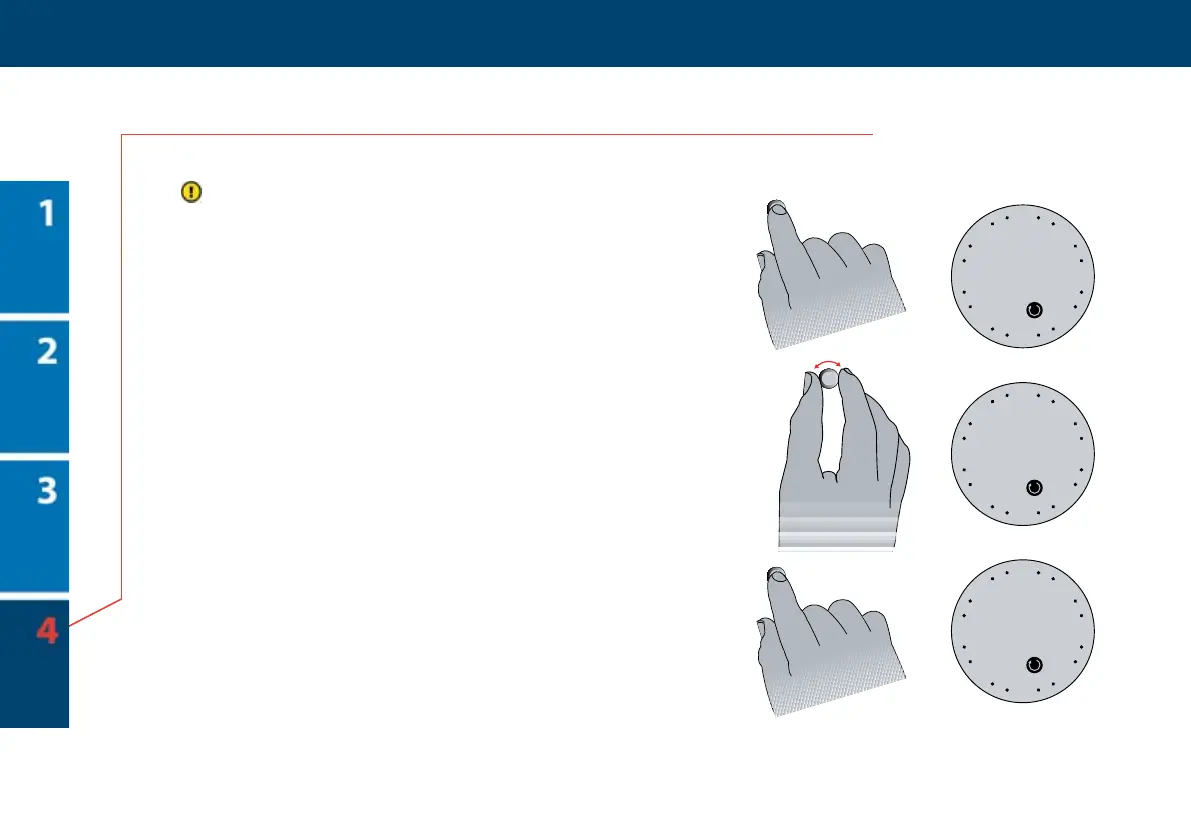
1 Hold the button for 6 seconds.
en the symbol for timer programming and
the weekday numbers are shown.
2 Select the weekday that you want to begin
with by turning the button until the wanted
weekday is shown. You can read more about
setting weekday on page 8.
3 Press the button once to choose weekday.
Now you are ready to begin dening periods.
24
12
618
21
3
15
9
1 2 3 4 5 6 7
1
2
3
6 sec.



 To Next Page