Introduction
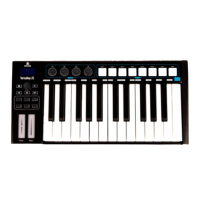
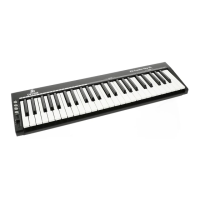
Thank you for purchasing the Devine EZ-Creator Key XL. This compact MIDI keyboard
offers ideal, hands-on control over the parameters of a DAW or other software programmes
where using a mouse and computer keyboard can be restricting. The small size and USB-
bus powered design combined with the practical control features and smooth software
integration gives you everything you need for streamlined audio production.
This user manual will not only provide set-up instructions, but will also explain how to get the
very best out of the functions this keyboard has to offer and how to solve any problems you
may encounter while setting up or using it. We strongly recommend reading these
instructions in detail before using your MIDI keyboard.
Box contents:
1x EZ-Creator Key XL MIDI keyboard
1x USB connecting cable
1x Bitwig 8-Track DAW software voucher
Bitwig 8-Track DAW
Specially for this series, Devine has collaborated with one of the most
accessible and user friendly DAW developers: Bitwig.
The Bitwig 8-Track DAW (Digital Audio Workstation) provides any
beginner or advanced music producer everything they need, and by
purchasing a Devine MIDI controller, you’re granted free access to this
excellent software.
While the 8-Track edition of Bitwig is not limited in terms of functionality,
only a certain number of audio tracks can be used at the same time. As such, this entry-level
version of the program offers the opportunity to understand and get to grips with all of the
available functions before upgrading to the full version (Bitwig Studio) at a later date. With
the included voucher, you are entitled to a reduced rate when upgrading to Bitwig Studio.
To use Bitwig 8-Track, simply register at www.bitwig.com/8-track and follow the steps to
install Bitwig 8-Track on your computer.
A special function has been included in Bitwig for the Devine EZ-Creator Series, ensuring
that your model is included in the list of compatible MIDI devices. This way, when you
connect your device up to a computer running Bitwig, the device will immediately switch to
the correct operating mode for Bitwig.
If you don’t need to use Bitwig 8-Track, then you can give the voucher to someone else
since this software can also be used without a Devine MIDI keyboard.
The information included in this user manual is subject to change at any time and without notification:
Version:
1.0
Date and author initials: 02-11-2020 RV Revision date and author initials: -


 To Next Page