Need help?
Do you have a question about the Devine VersaKey 88 and is the answer not in the manual?
Details on the included Bitwig 8-Track DAW software and its features.
Critical safety information, warnings, and health precautions for device operation.
Guidelines for proper use, storage, transport, and housing maintenance.
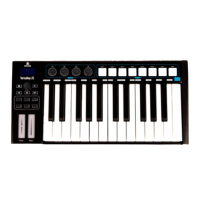
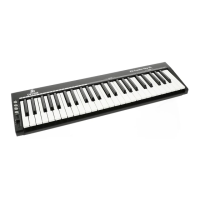
Description of the keyboard section, velocity sensitivity, and pitch/modulation touch strips.
Overview of LED display, rotary encoders, drum pads, and connectivity ports.
Steps for connecting the VersaKey to a computer and powering the device.
Producing sound and adjusting key velocity response curves.
Adjusting octave range, pitch transpose, MIDI channels, and program voice settings.
Programming controls, using touch strips, and assigning functions to pedals.
Using advanced modes like Dual, Split, and the Mute function for versatile control.
Activating MIDI modes (GM/GS/XG), reset, snapshots, and pedal polarity.
Configuring pad curve, note assignments, and LED colours for personalized performance.
Using transport buttons and understanding GM/Bank/Program changes.
Summary of general features, model variations, connections, and included items.
Reference tables for MIDI implementation, data, assignments, and controller numbers.
 General
| Number of Keys | 88 |
|---|---|
| Key Type | Full-size |
| Demo Songs | 30 |
| Headphone Jack | Yes |
| MIDI Compatibility | Yes |
| Pedal Input | Yes |
| USB Port | Yes |
| Power Source | Adapter |
| Power supply | Included |


 To Next Page