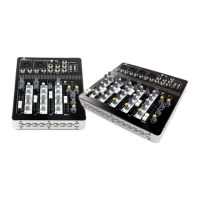
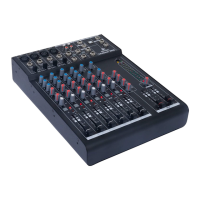
Mixer troubleshooting guide
If you have a problem with your mixer, please consult this troubleshooting section for possible solutions. If,
after consulting this section, the problem remains unresolved, please contact your dealer for more
information and/or help.
This troubleshooting section contains information on how to solve the most common problems that occur
with PA mixers and equipment regularly used with them, but it does not and cannot cover every eventuality. It
is possible that you won't find your problem, cause and solution in this section due to differences between
products.
Problem Possible cause Solution
Mixer does not turn on with mains
power
Power adapter not connected
properly.
Check that the power adapter is
connected to the mixer properly
(locked connection) and plugged
into an active mains socket.
Power adapter is defective. If the power adapter is correctly
connected to the mixer and an
active power socket, but the Power
LED is not lit up and the mixer has
no power, there could be a
problem with the mixer or the
power adapter itself. Disconnect
the power adapter and contact
your dealer.
No sound via one of the inputs Cable not connected properly Make sure that the cable is
properly connected to both the
source and the mixer.
Gain not set correctly Check the gain settings by first
lowering the fader and then slowly
turning up the gain control until the
CLIP LED lights up.
Fader (channel or Main) turned
down
Check that the faders that should
be turned up are actually turned up
to the required level.
No sound from the master output Main Mix fader turned down Turn up the Main Mix fader
Red Clip Limiter LED lights up
often or continually
Volume is too high Lower the volume on the source
that's causing the Clip Limiter LED
to light up. Continuous clipping can
cause permanent damage to your
equipment.
Distorted, clipping or crackling
sound
Connected device is transferring a
distorted signal
Check if any of the connected
source devices are transferring a
distorted signal and turn down the
volume on the offending device if
necessary.
Volume control is too loud Turn the volume down
The tone controls for treble and/or
bass are too high or too low.
Turn the tone controls back to 12
o'clock and listen to hear if clipping
is still audible.
Woofer or tweeter is defective If a speaker is exposed to a loud,
The information in this user manual is subject to change at any time without notice.
Version:
1.0
Date of creation and author's initials:04-12-2018 RV Revision date and author's initials: -


 To Next Page