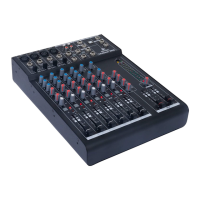
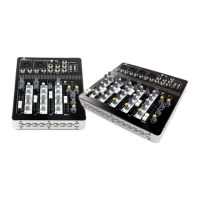
Rec out: via the Rec Out (RCA) output a stereo signal can be sent to recording equipment. This output is
linked to the Main out.
USB: the 2-in, 2-out USB interface on the mixer can be connected to almost any computer. This makes it
possible to play music or record the Main Out signal for internet radio or podcasting purposes, for instance.
This can be done with separately available software like the free program Audacity.
Please note: the USB interface is not available on all models.
FX Send: the FX Send output can be used to send a signal to external effects
equipment. The FX knobs on the individual channels can be used to determine
how much of each channel is sent to this output. After that, you can adjust the
effects on your external equipment.
FX Return: some MixDesk models have a dedicated FX Return input. This can
be used to receive a signal from external effects equipment. On mixer models
that don't have a dedicated FX Return input, one of the mono or stereo inputs
can be used.
Aux Send: this is an output that can be controlled separately and used for
different purposes. Per channel and with the Aux Send knob (see Mix section),
you can determine which signals are sent via this channel.
Main outputs: See 'Back of Mixer' section.
Mix section
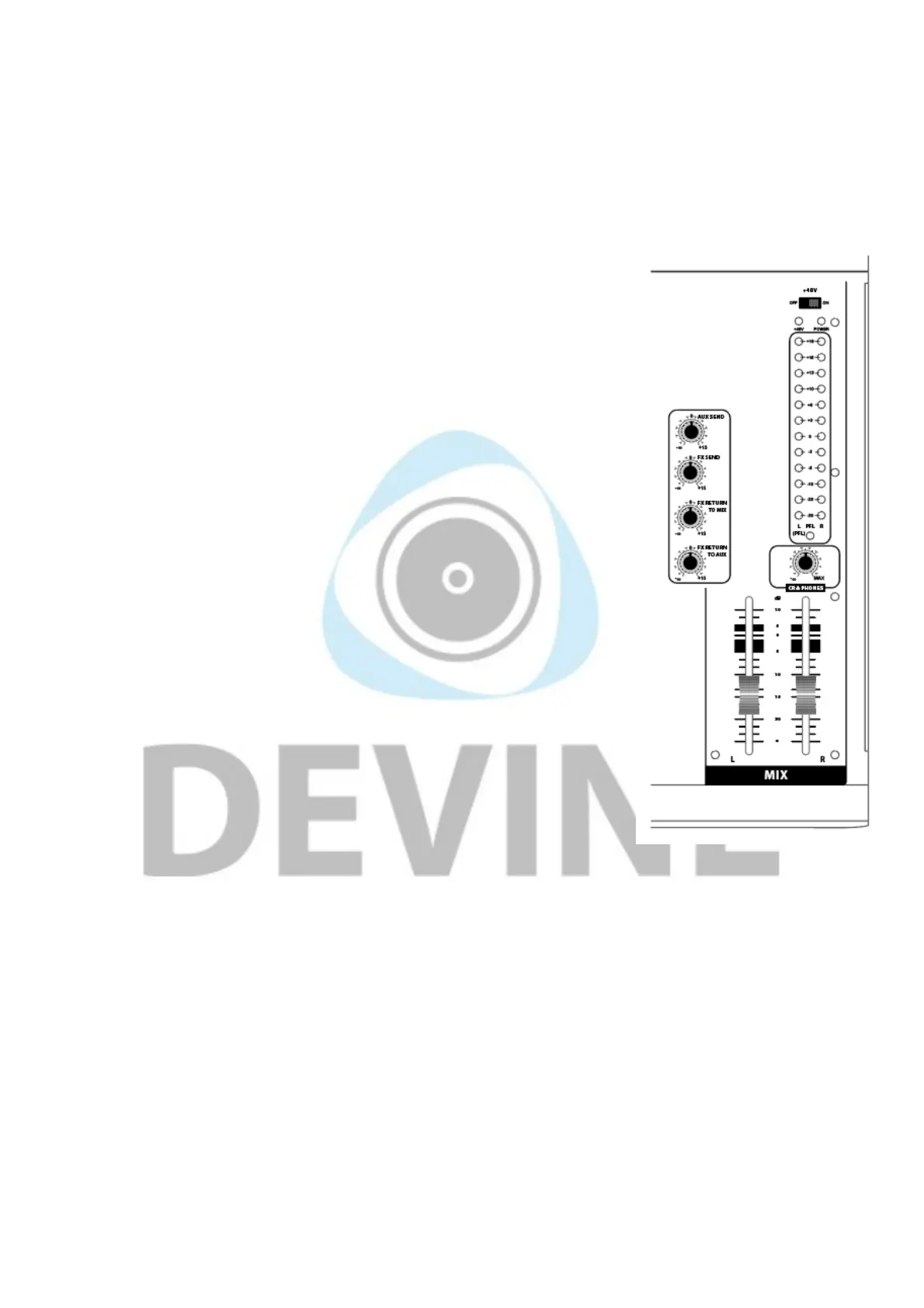
The Mix section doesn't just consist of the two Mix faders and associated LED
indicators, but also some knobs for extra control over other signals.
Phantom power: this is used to provide condenser microphones with +48V of
power. Phantom power only works with condenser microphones and does not
normally affect dynamic microphones. Turning on phantom power activates it
on all of the mono channels.
An LED indicator will light up above the LED VU meters whenever phantom
power is activated.
PLEASE NOTE: bear in mind that certain equipment like special ribbon
microphones, for instance, absolutely cannot handle phantom power! Never
attempt to use phantom power in combination with ribbon microphones or make
use of a phantom blocker. For more information, please consult the manual that
came with your microphone.
PLEASE NOTE: when using phantom power, no unbalanced XLR signals
should be connected where pins 1 and 3 are transferred. This can cause permanent damage to the mixer
and connected equipment.
PLEASE NOTE: it's recommended to only switch on phantom power once all of the necessary equipment
has been connected to the mono channels. Connecting microphones and other equipment while phantom
power is already switched on can cause permanent damage in exceptional cases.
Power LED: this green LED shows that the mixer in powered on and ready for use.
Level indicators: these LED VU meters show the output level or strength of the left and right signals that
are going to the Main out. It's important to prevent the red (clip) LEDs from coming on because this will likely
have a negative impact on the sound quality.
Aux Send: the Aux Send knob allows you to determine the level at which the output signal is sent out via the
Aux Send output. This can be adjusted using the Aux knob per channel.
The information in this user manual is subject to change at any time without notice.
Version:
1.0
Date of creation and author's initials:04-12-2018 RV Revision date and author's initials: -


 To Next Page
 Loading...