dLAN network 19
devolo dLAN 500 duo+
4dLAN network
4.1 Security in the dLAN
Before you can use the dLAN 500 duo+ in your dLAN
network, first you have to connect it to other dLAN de-
vices as a home network. Two specific pieces of infor-
mation are especially important for this:
쎲 Shared use of a dLAN password results in a delim-
ited dLAN network.
쎲 Shared use of the dLAN password serves as access
control to the dLAN network as well as the
encryption, and thereby the interception protec-
tion, of the transmitted data.
The dLAN password can be set in different ways:
쎲 Automatically using the encryption button (see
4.2 dLAN network encryption at the touch
of a button)
쎲 Manually using the dLAN Cockpit program (see
4.3 dLAN Cockpit).
4.2 dLAN network encryption at
the touch of a button
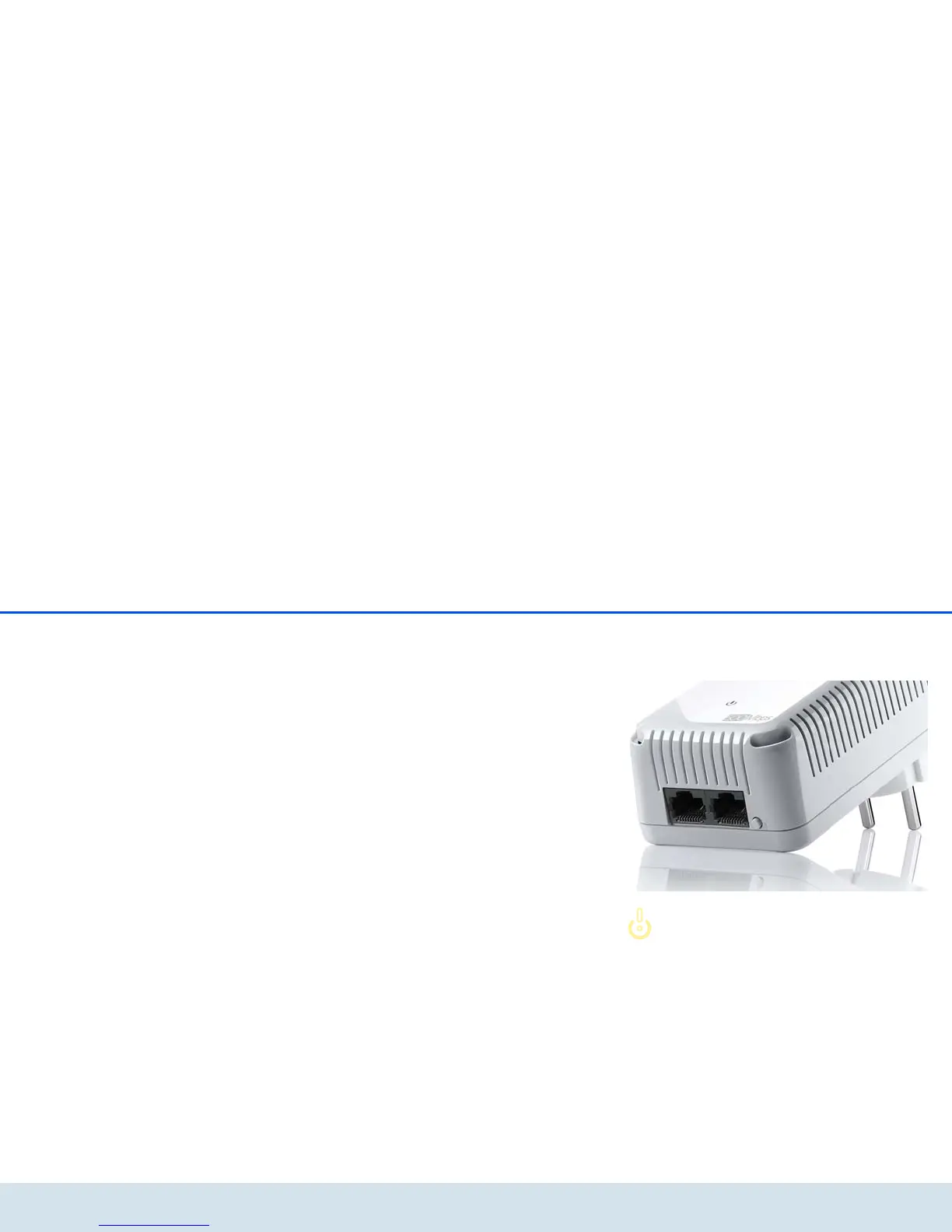
To encrypt a dLAN network, in which all associated de-
vices are equipped with an encryption button, simply
press the encryption button that is located on the de-
vice. Pressing this button will encrypt your dLAN net-
work with a randomly generated password.
Adapters cannot be configured while
in Standby mode.















 To Next Page