22 dLAN network
devolo dLAN 500 duo+
Excluding a dLAN 500 duo+ from your network
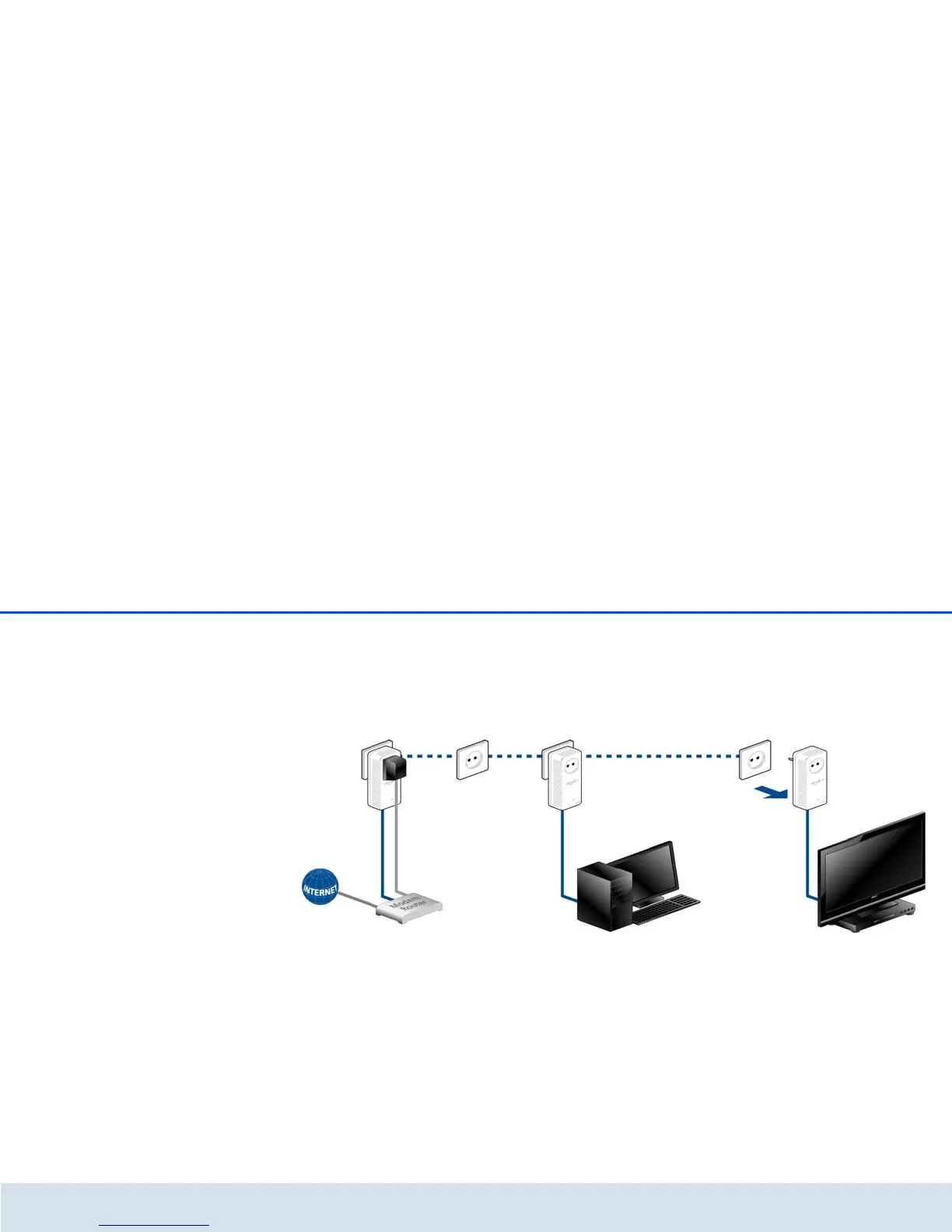
To exclude a dLAN 500 duo+ adapter from an existing
network, press its encryption button for at least ten
seconds. The device will be assigned a new randomly
generated password and will thus no longer be able to
access the network. To integrate the adapter in a dif-
ferent dLAN network, follow the steps described
above, depending on whether you are setting up a new
network or adding the adapter to an existing one.
4.3 dLAN Cockpit
devolo dLAN Cockpit is a monitoring and encryption
program that detects all reachable dLAN devices in
your home network and combines them in a secure
network. Due to its logical graphic design, the
dLAN Cockpit is easy and intuitive to operate. After
installing the devolo software, it can be found in the
Start 쒁 Programs 쒁 devolo program group.















 To Next Page