dLAN network 23
devolo dLAN 500 duo+
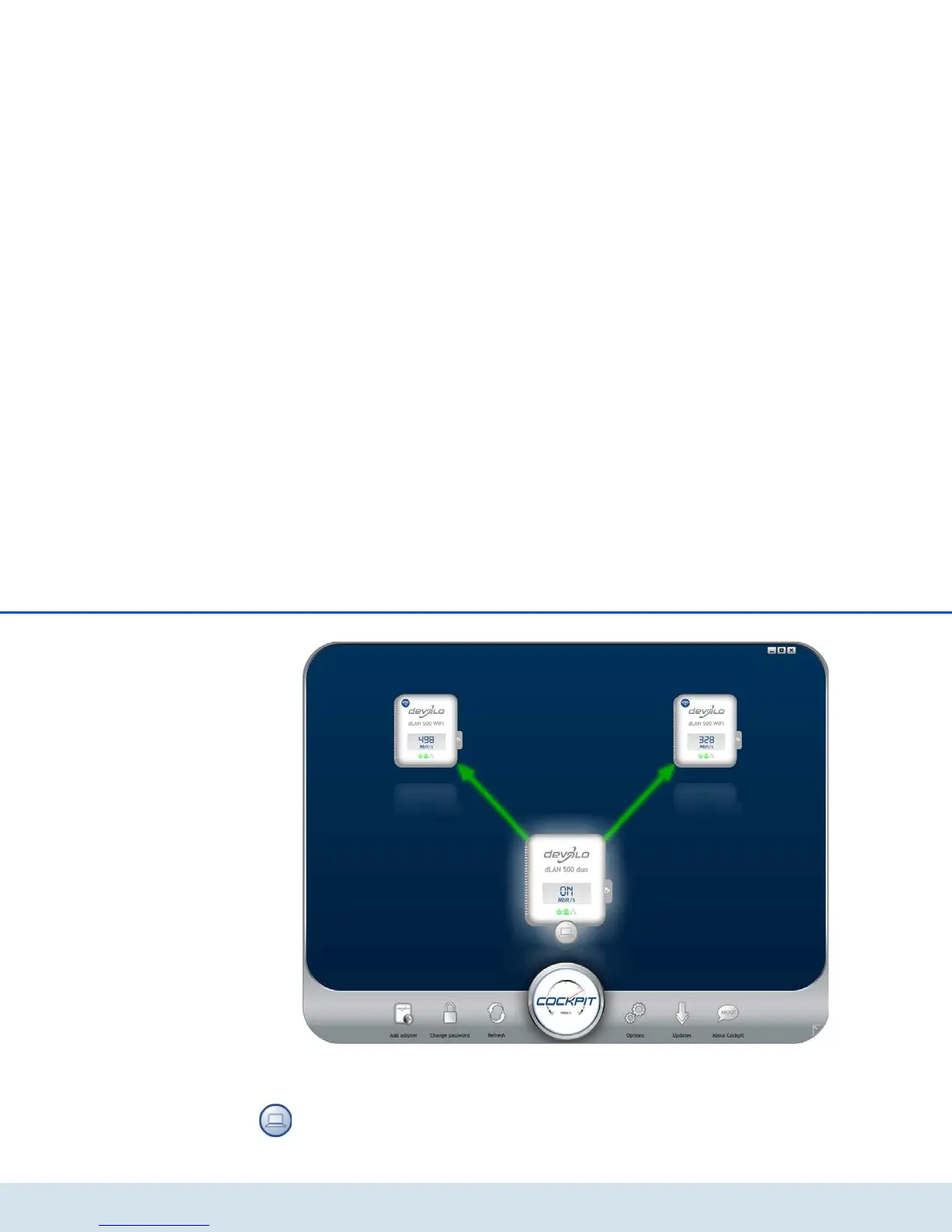
After starting the dLAN Cockpit, all reachable dLAN
devices in your home network will appear. This may
take a moment.
All adapters found in the network appear with as ad-
apter icon with a corresponding product name. The ad-
apter in the middle of the dLAN network identified with
the symbol shown here symbolises your locally connec-
ted device. If you have multiple dLAN devices connec-
ted locally, you can jump back and forth between
them. Clicking an adapter icon with the mouse enables
the corresponding dLAN device and highlights it.















 To Next Page