44 Network configuration
devolo dLAN 500 WiFi
Before the networking procedure,
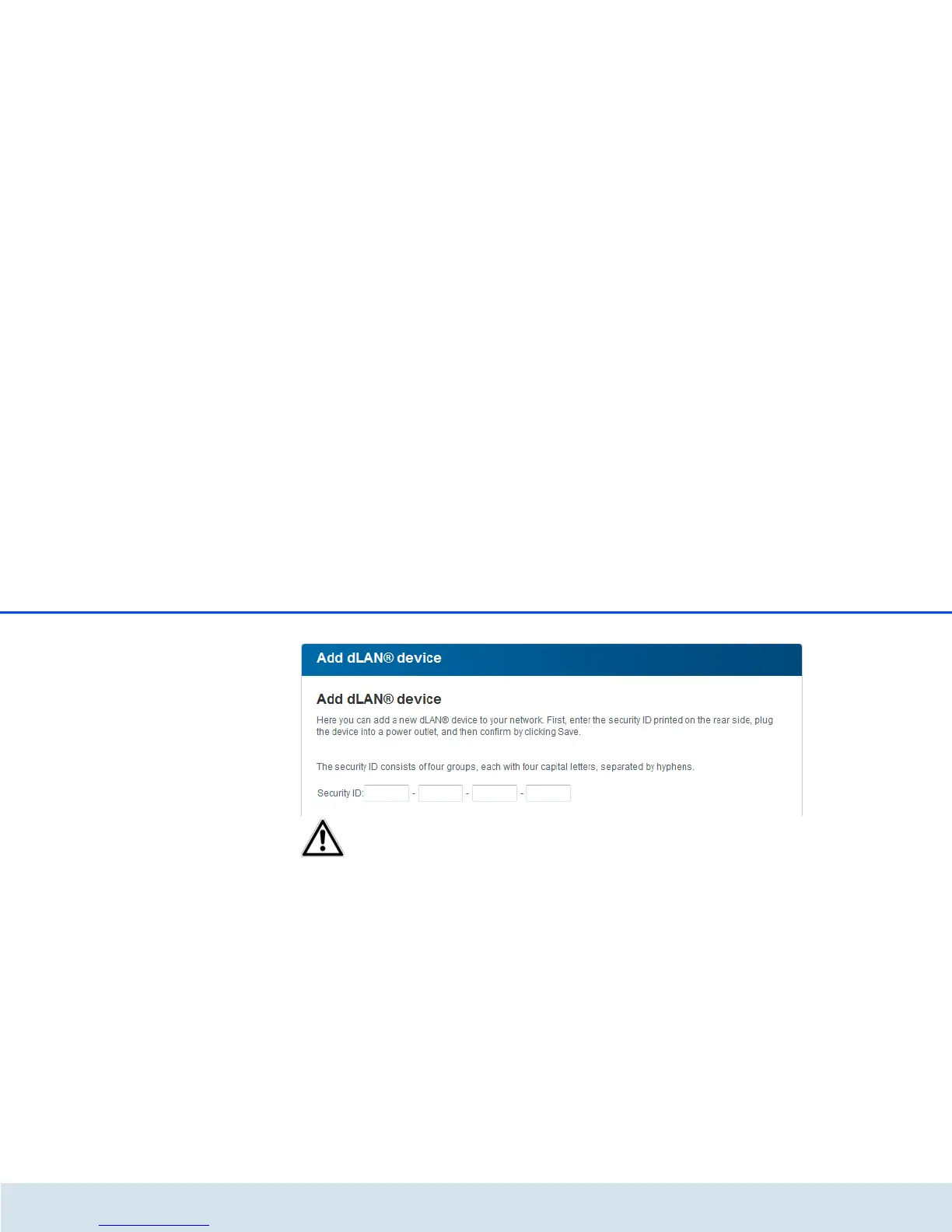
note the security IDs of all dLAN
adapters. This unique identifier of
each dLAN device is located on the
label on the housing. It consists of 4
x 4 letters separated by dashes (e.g.
ANJR-KMOR-KSHT-QRUV). Ensure
that all dLAN adapters are connected
to the power grid and computers or
other network components as appro-
priate.















 To Next Page