Network configuration 63
devolo dLAN 500 WiFi
case, the time server (Device configuration
Date and time Obtain date and time automat-
ically) for the dLAN 500 WiFi has to be enabled and
an active Internet connection is also required (see
6.4.4 Time server). The time server is enabled by
default.
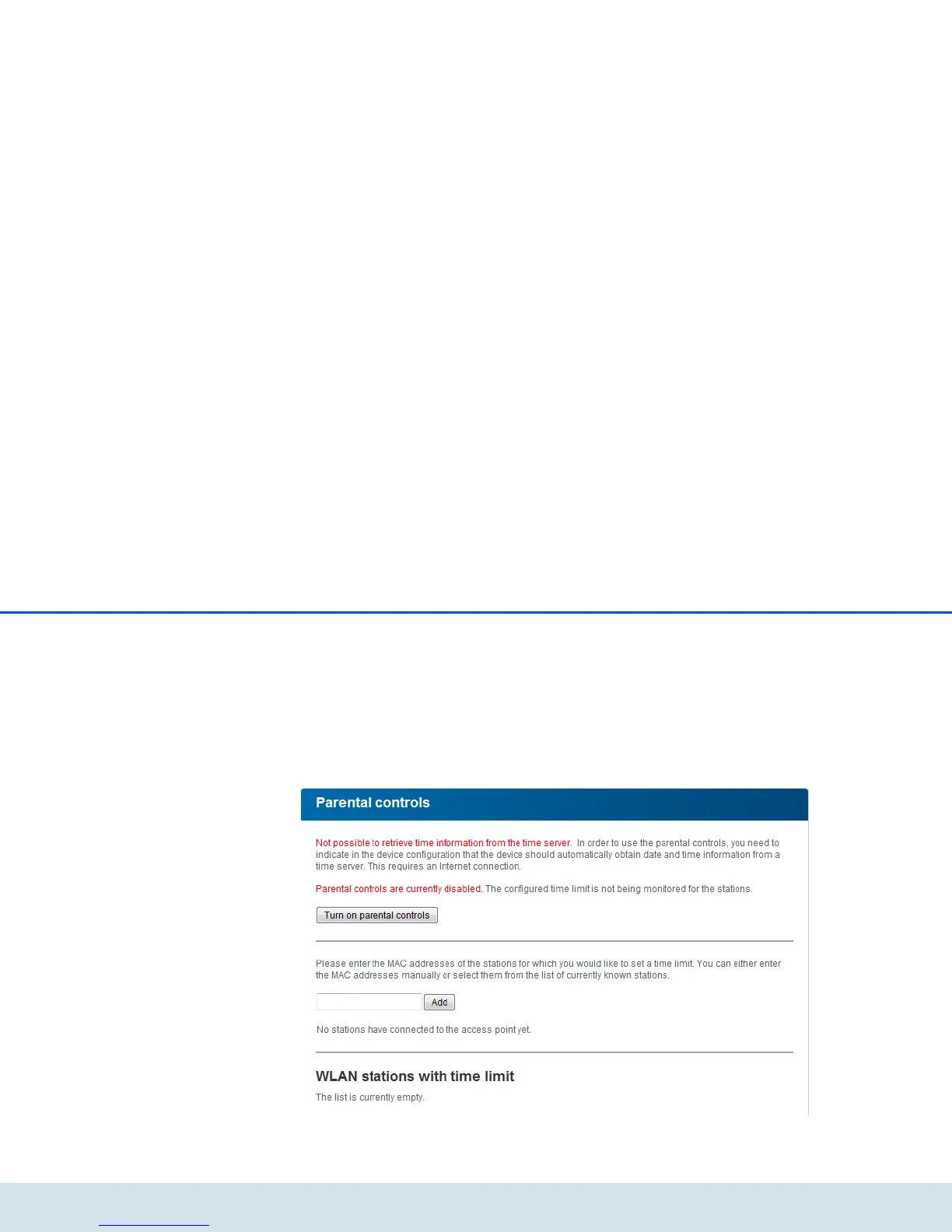
If you would like to set up a daily time quota, enable
the option Turn on parental controls. Now enter the
MAC addresses for the stations for which you would
like to set up a time quota. You can enter the MAC ad-
dresses manually or select them from the list of current-
ly known stations (see 6.3.2 WLAN status WLAN
monitor). Confirm each entry with Add.















 To Next Page