Installation 15
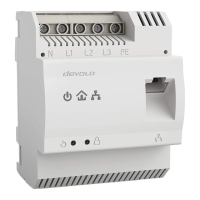
devolo dLAN pro 1200 DINrail
significantly longer range (range+) thanks to
MIMO technology.
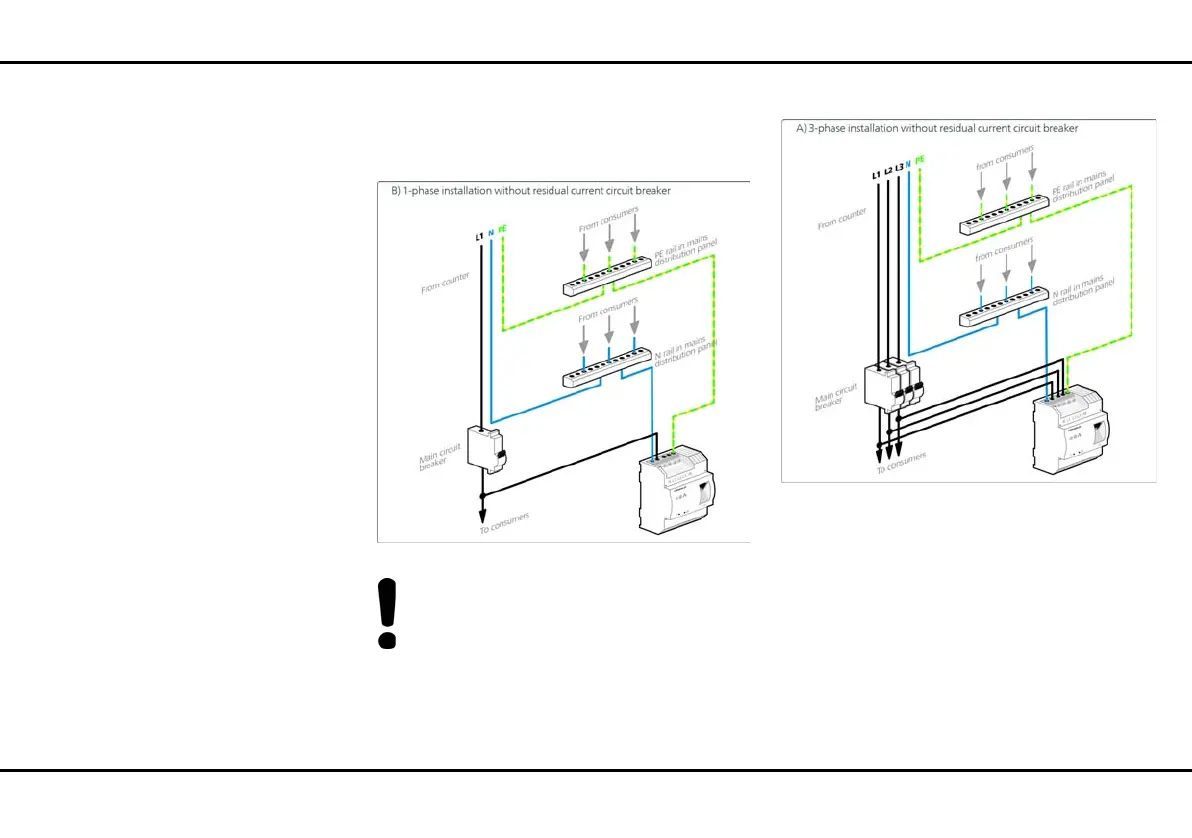
Single-phase connection without residual current cir-
cuit breaker
In general, connection of the
dLAN pro 1200 DINrail to one phase and to
one neutral conductor is adequate, even for
communicating over multiple phases. To opti-
mise the data transmission, however, we rec-
ommend a connection with all three-phases
and earth wire (PE).
Three-phase connection without residual current cir-
cuit breaker
3 After installing the protective cover, the
dLAN pro 1200 DINrail can be connected via
Ethernet to the desired network device (e.g. MUC,
Internet access device).
As soon as at least one other dLAN pro device has
been connected and plugged into the mains supply, a
dLAN pro network is set up. Secure the dLAN pro net-
work against unauthorised access by using the devolo
dLAN AVpro manager software or the encryption


 To Next Page