1. With the arrow pointing to How Long use the & buttons to select the
length of each watering cycle. Cycles can be up to 360 minutes (6 hours)
in duration.
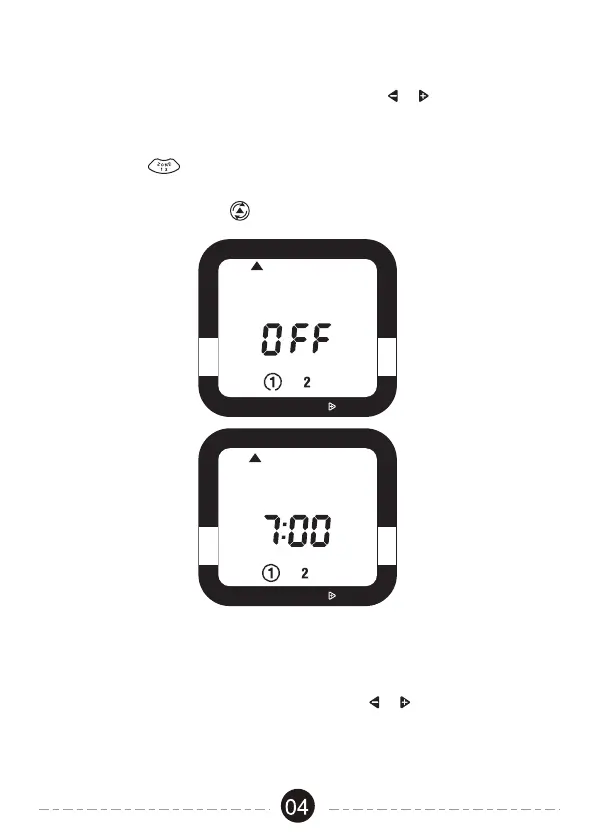
1. With the arrow pointing to Start Water, use the & buttons to select
the first time of the day you want to water. All remaining watering cycles
during the day will be based on this time.
2. Press ZONE to change the zone. You must first enter a start time
for each zone you are programming before any other settings for a zone.
3. Press the Cursor Button to move to the next setting.
Select When To Water
Select How Long To Water
RAIN DELAY, HOLD
OFF
START WATER HOW LONG
HOW OFTEN AUTO
SET CLOCK
ZONE
START
AM
ZONE
START
RAIN DELAY, HOLD
OFF
START WATER HOW LONG
HOW OFTEN AUTO
SET CLOCK
ZONE
START
AM


 To Next Page