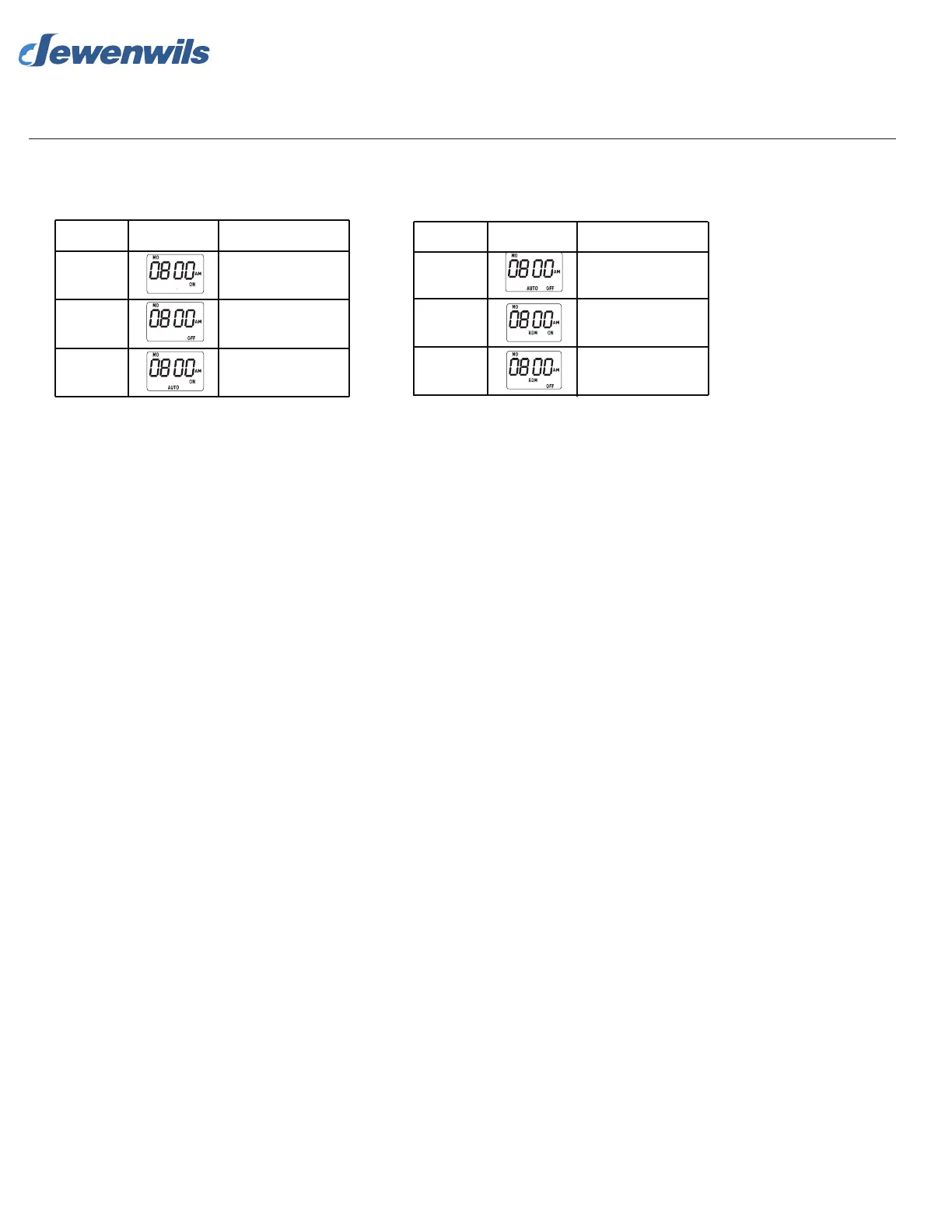
Mode
AUTO OFF
RDM ON
RDM OFF
Display
Function
RDM is ON currently and
ON/OFF program is
activated
Timer is OFF currently
and ON/OFF program is
activated
RDM is OFF currently
and ON/OFF program is
activated
Mode
ON
OFF
AUTO ON
Display
Function
always on
always off
Timer is ON currently and
ON/OFF program is
activated
6. Mode Setting
Press “MODE” button to choose different functions between ON, ON AUTO, ON,RANDOM(RDM), OFF, OFF AUTO, OFF RDM.
When RDM setting is ON: Random setting will increase or decrease the time on your ON/OFF setting by 30 minutes.
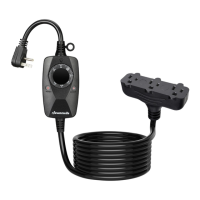
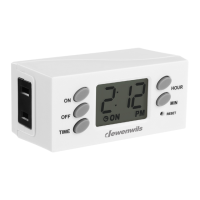
Dewenwils Outdoor Digital Box Timer



 To Next Page