Now you can control your smart devices through Google Home.
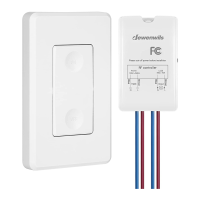
1. What should l do when my app is unable to control the Dimmer switch?
You can troubleshoot the following:
· Check your home wifi's internet connection.
· Make sure that your home Wi-Fi password hasn't been changed.
· Do not use a metal face plate with the Wall Switch as that will decrease
the Wi-Fi signal.
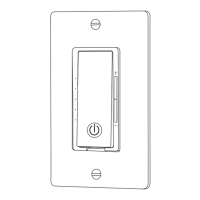
· Reboot your switch by pressing restart button.
· If all else fails, factory reset switch by pressing power button for 5s and try
to add it again.
2. How do l pair my devices with Amazon Alexa or Google Assistant?
· Visit Account->Amazon Alexa or Google Assistant page with in Smart Life
app for pairing instructions.
11
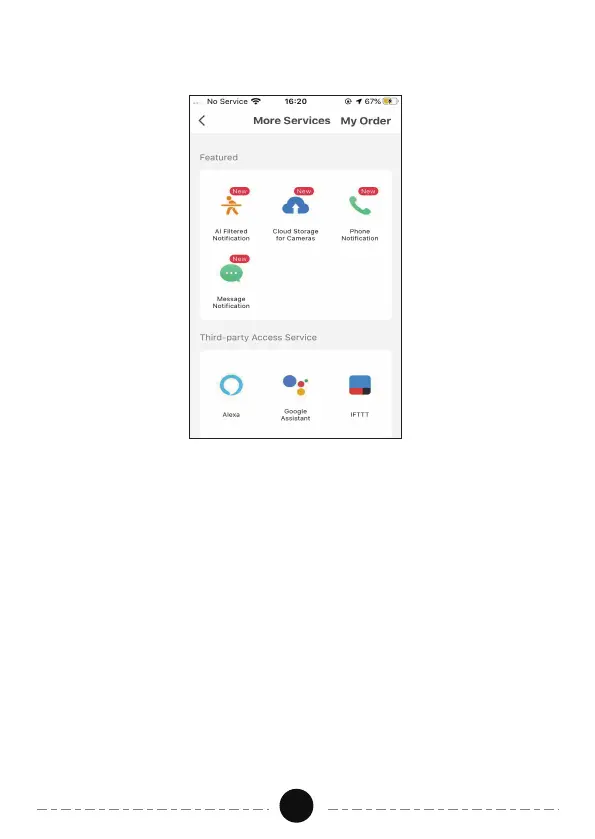
· Open “smart life” APP click “Me-MoreServices-Google Assistant” follow
the instructions to complete the setup.
Troubleshooting:


 To Next Page