EasyManua.ls Logo

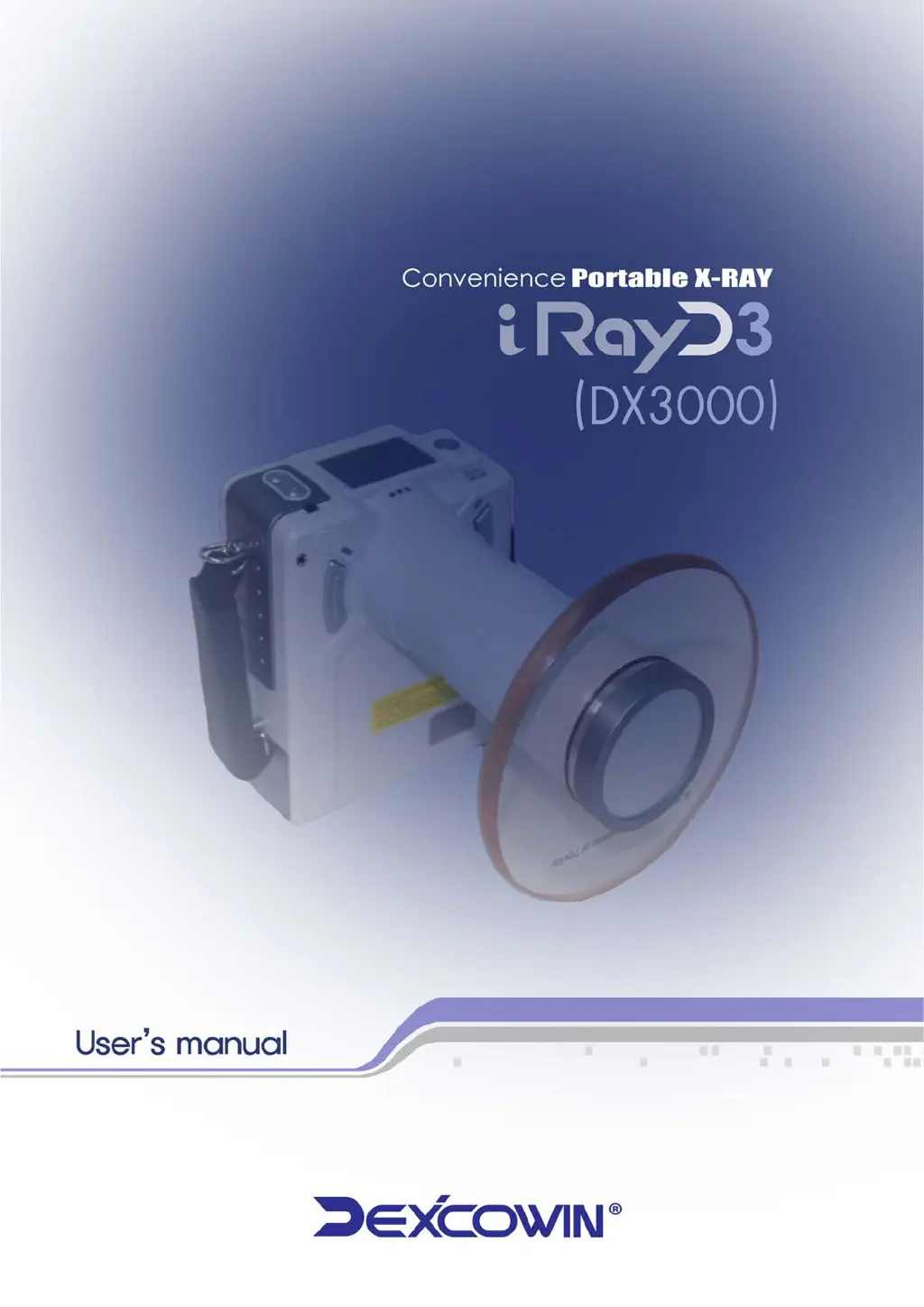
Dexcowin iRayD3 - User Manual

Dexcowin iRayD3
88 pages
Print Icon
To Next Page IconTo Next Page
Loading...

Table of Contents

Questions and Answers

  • W
    William RodriguezAug 12, 2025
    What to do if nothing lights up on my Dexcowin Industrial Electrical?
    • M
      Michael BarrettAug 12, 2025
      If nothing lights up on your Dexcowin Industrial Electrical, the cause might be a low battery. In this case, you should charge the battery.
  • T
    Tara SharpAug 19, 2025
    What to do if X-ray emission works, but exposure is too dark on my Dexcowin Industrial Electrical?
    • S
      Shane PittsAug 19, 2025
      If the X-ray emission works, but the exposure is too dark, there are several possible causes: * The receptor might be defective. Try changing the receptor or comparing it with another one. * The exposure time might be too long. Try decreasing the exposure time. * The device might be defective. In this case, call a qualified service technician.
  • A
    Alicia KingAug 27, 2025
    What to do if X-ray emission works, but exposure is too light or completely white on my Dexcowin iRayD3 Industrial Electrical?
    • J
      justin32Aug 27, 2025
      If the X-ray emission works, but the exposure is too light or completely white, the following could be the reasons: 1. The receptor might be defective. Try changing the receptor or compare it with another one. 2. The exposure may be positioned incorrectly. Adjust the position of the exposure according to the user manual. 3. The exposure time might be too short. Increase the exposure time. 4. The device might be defective. In this case, call a qualified service technician.
  • B
    Billy PowellSep 3, 2025
    Why is there no X-ray emission from my Dexcowin iRayD3?
    • N
      Nicholas MoodySep 4, 2025
      If there is no X-ray emission, here are a few possible reasons: * The generator might be preparing an exposure. Wait for it to be ready, which usually takes about 5 seconds. * The device could be in “Remote” mode. Connect with a wired remote control, or change the “Exp Key Mode” to 'Right’ and ‘Left’ on the Setting function screen. * The button might be defective. In this case, call a qualified service technician.

Dexcowin iRayD3 Specifications

General IconGeneral
Output Voltage24VDC
Weight1.5 kg
Input Voltage100-240V AC
Efficiency90%
ProtectionOverload, Short Circuit, Over Voltage
Cooling MethodNatural Convection

Related product manuals