16
Advanced Functions
7
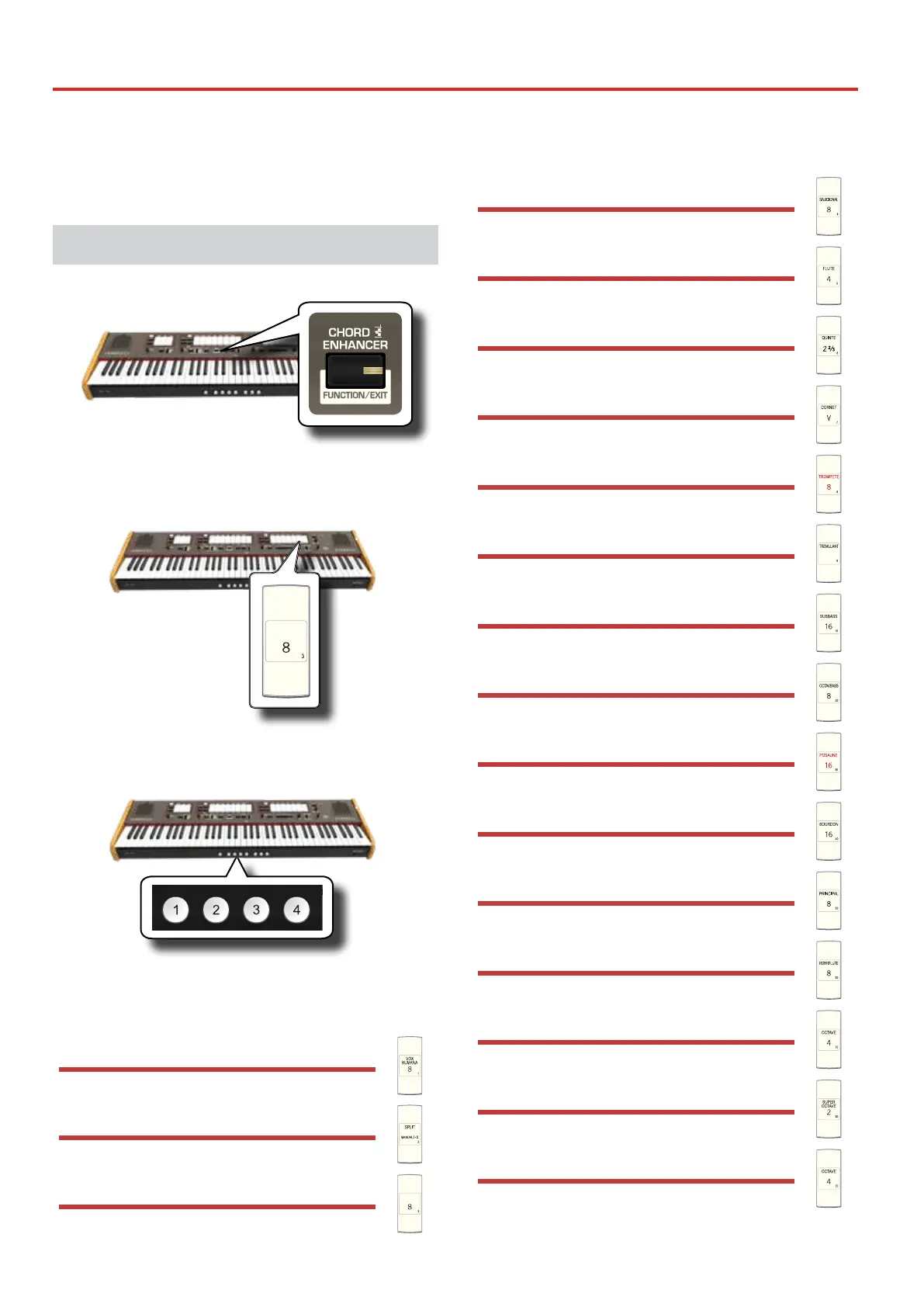
The CLASSICO L3’s [FUNCTION/EXIT] button provides access to the
available parameters and functions. For details please refer to the owner's
manual.
General procedure
1. Press and hold the [FUNCTION/EXIT] button.
PIANO
HARPSICHORD
TUNING TEMPERAMENT TRANSPOSE
The [FUNCTION/EXIT] button ashes to indicate that we are in
function mode. All other indicators go dark.
2. Press the lower part of the tilt tab associated with the
function you want to recall.
In the example above we selected the Expression Pedal Settings.
3. According to the called function, press the [1,2,3,4]
piston that corresponds to the parameter you want to set.
The following parameters and functions are available:
Import Memory Function
[FUNCTION/EXIT] button 1
Export Memory Function
[FUNCTION/EXIT] button 2
Expression Pedal Settings
[FUNCTION/EXIT] button 3
Damper Pedal Settings
[FUNCTION/EXIT] button 4
Speakers Settings
[FUNCTION/EXIT] button 5
AUTO OFF Settings
[FUNCTION/EXIT] button 6
LOCAL ON/OFF Settings
[FUNCTION/EXIT] button 7
Factory Reset
[FUNCTION/EXIT] button 8
MIDI PedalBoard
[FUNCTION/EXIT] button 9
Importing Organ Sound Set (User 1/2)
[FUNCTION/EXIT] button 10
Deleting Organ Sound Set (User 1/2)
[FUNCTION/EXIT] button 20
USB Remove
[FUNCTION/EXIT] button 30
Keyboard Touch Response
[FUNCTION/EXIT] button 40
BLUETOOTH (make it visible)
[FUNCTION/EXIT] button 50
CRESCENDO PEDAL
[FUNCTION/EXIT] button 60
CRESCENDO SETTING MODE
[FUNCTION/EXIT] button 70
IMPORT CRESCENDO SETTING
[FUNCTION/EXIT] button 80
EXPORT CRESCENDO SETTING
[FUNCTION/EXIT] button 90
Functions List



 To Next Page