NDS3244S Multi-Channel Encoder User Manual
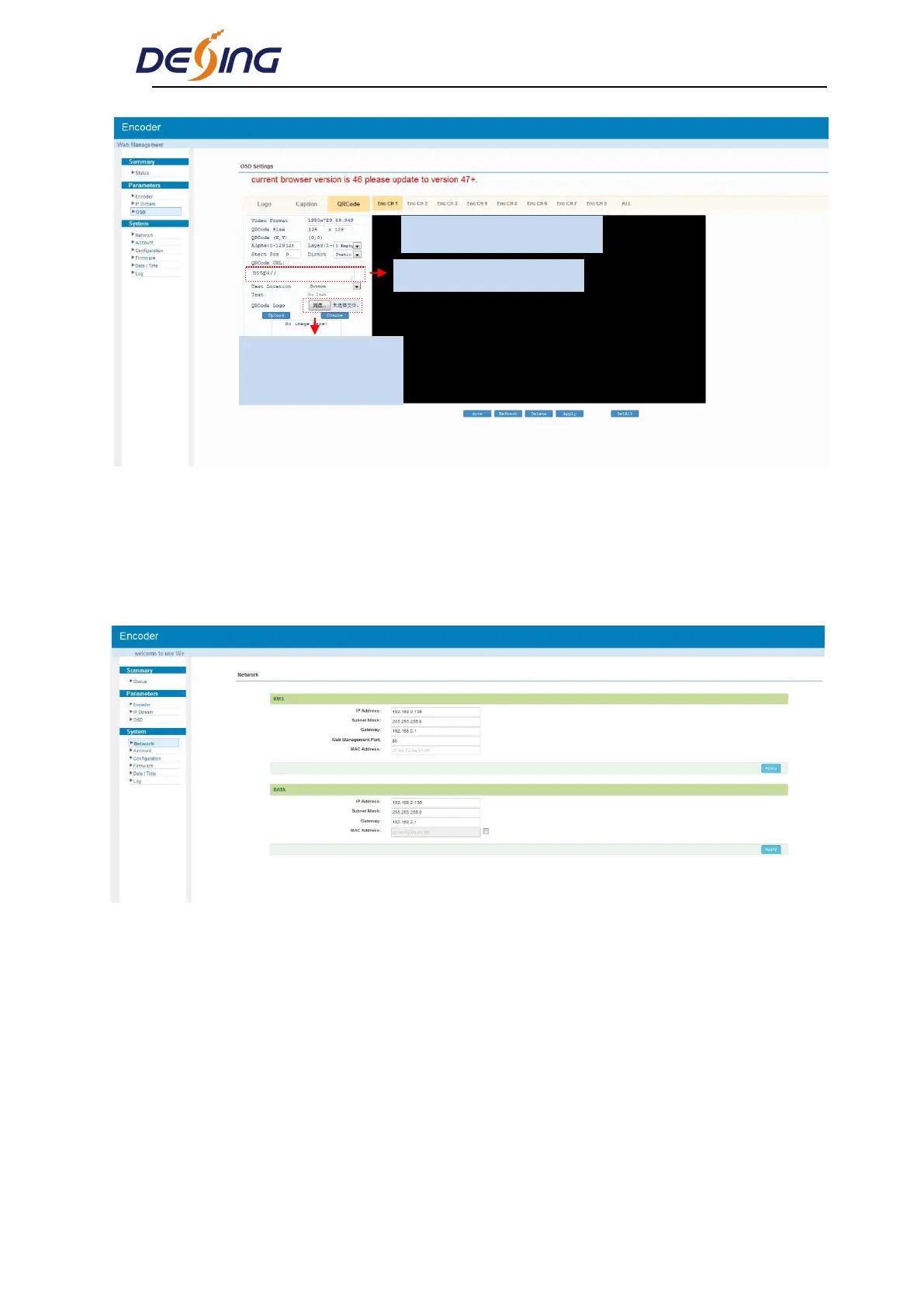
Figure-7
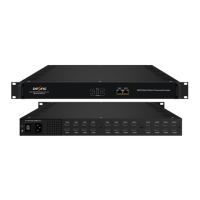
System→ Network:
Clicking “Network”, it will display the interface as Figure-8 where to set NMS and DATA
parameters.
Figure-8
System → Account:
Clicking “Account”, it will display the screen as Figure-9 where to set the login account and
password for the web NMS. Both the current username and password are “admin”.
Put the QRcode everywhere
Browse and select the
QRcode which has been
created
Input the QRcode URL here


 To Next Page