EasyManua.ls Logo

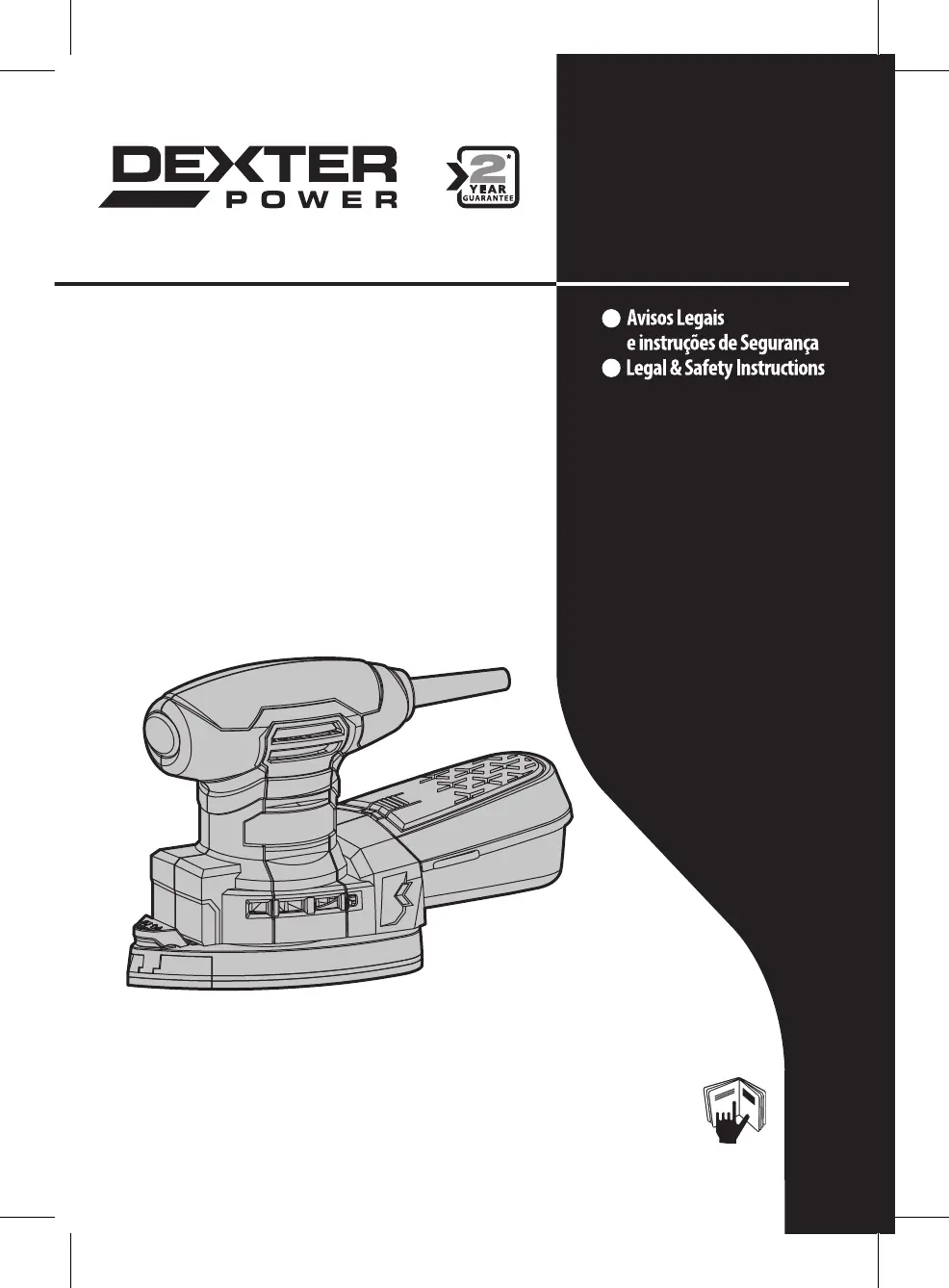
Dexter Power PC180MS - User Manual

Dexter Power PC180MS
28 pages
Go to English
Print Icon
To Next Page IconTo Next Page
Loading...
2016/11
PT
EN
Mouse Sander
PC180MS
Instruções originais / Original Instructions
EAN CODE: 3 276000 256380

Questions and Answers

  • T
    Thomas SmithAug 12, 2025
    What to do if my Dexter Power PC180MS does not start?
    • D
      Daniel OlsenAug 12, 2025
      If your Dexter Power Sander doesn't start, first ensure it's properly connected to a power supply. If it is, the issue might be a defective power cord or plug, or another electrical defect within the product. In such cases, it's recommended to have it checked by a specialist electrician.
  • T
    tperezAug 22, 2025
    Why does my Dexter Power PC180MS not reach full power?
    • J
      James RamirezAug 22, 2025
      If your Dexter Power Sander isn't reaching its full power, it could be due to several reasons. First, check if you're using an extension cord that's suitable for operating this product; if not, switch to a proper one. Alternatively, the power source, like a generator, might have too low voltage, so try connecting to another power source. Lastly, ensure the air vents aren't blocked; if they are, clean them.
  • M
    Melvin GoodmanSep 1, 2025
    How to improve unsatisfactory results with Dexter Power PC180MS?
    • S
      Sarah RodriguezSep 1, 2025
      If you're getting unsatisfactory results with your Dexter Power Sander, it might be because the sanding sheet is worn out. Try replacing it with a new one. Also, ensure that the sanding sheet is suitable for the material you're working with; if not, use a more appropriate sanding paper.

Dexter Power PC180MS Specifications

General IconGeneral
BrandDexter Power
ModelPC180MS
CategorySander
LanguageEnglish

Related product manuals