3
32
Award BIOS Setup Utility
ROM PCI/ISA BIOS
CMOS SETUP UTILITY
AWARD SOFTWARE, INC.
STANDARD CMOS SETUP
BIOS FEATURES SETUP
CHIPSET FEATURES SETUP
POWER MANAGEMENT SETUP
PNP/PCI CONFIGURATION
LOAD FAIL-SAFE SETTINGS
LOAD OPTIMAL SETTINGS
INTEGRATED PERIPHERALS
SUPERVISOR PASSWORD
USER PASSWORD
IDE HDD AUTO DETECTION
SAVE & EXIT SETUP
EXIT WITHOUT SAVING
Esc
F10
: Quit
: Save & Exit Setup
↑↓→←
(Shift) F2
: Select Item
: Change Color
3.1 Entering the Award BIOS Setup Utility
Entrer Dans lUtilitaire de Configuration du Award BIOS
Aufruf des AWARD BIOS Konfigurationsprogramms
Entrar a la Utilidad de Configuración de BIOS Concedido
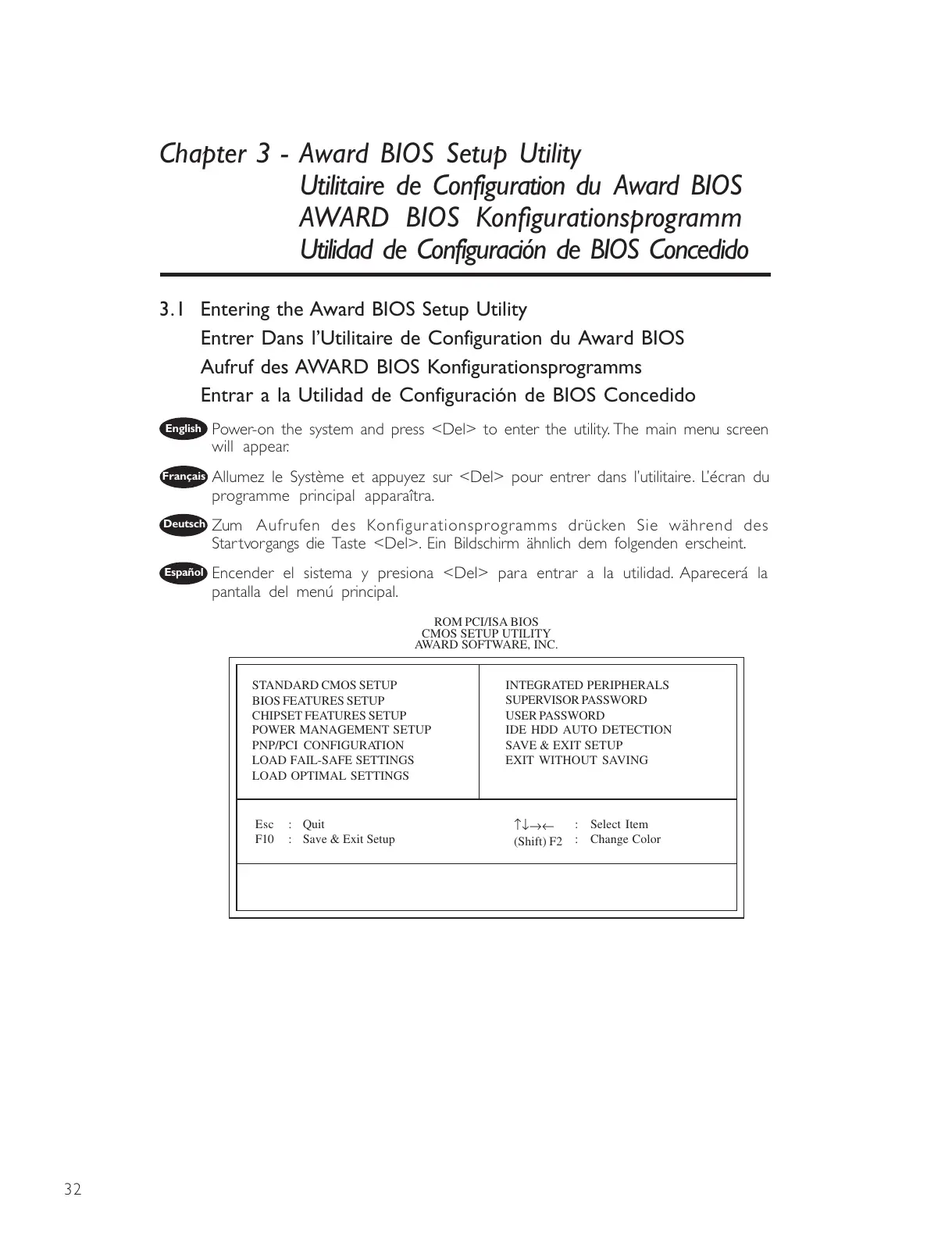
Power-on the system and press <Del> to enter the utility. The main menu screen
will appear.
Allumez le Système et appuyez sur <Del> pour entrer dans lutilitaire. Lécran du
programme principal apparaîtra.
Zum Aufrufen des Konfigurationsprogramms drücken Sie während des
Star tvorgangs die Taste <Del>. Ein Bildschirm ähnlich dem folgenden erscheint.
Encender el sistema y presiona <Del> para entrar a la utilidad. Aparecerá la
pantalla del menú principal.
Chapter 3 - Award BIOS Setup Utility
Utilitaire de Configuration du Award BIOS
AWARD BIOS Konfigurationsprogramm
Utilidad de Configuración de BIOS Concedido
English
Français
Deutsch
Español



 To Next Page