2
DGT2500
Manual
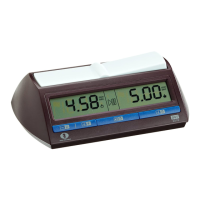
Congratulations on your purchase of the DGT2500 chess clock. The DGT2500 is the Official
FIDE Chess Clock, approved and recommended by the international chess federation FIDE. It
is in full accordance with the FIDE Laws of Chess and suitable for all games and competitions.
1. Introduction
English
2. Button description
ON/ OFF
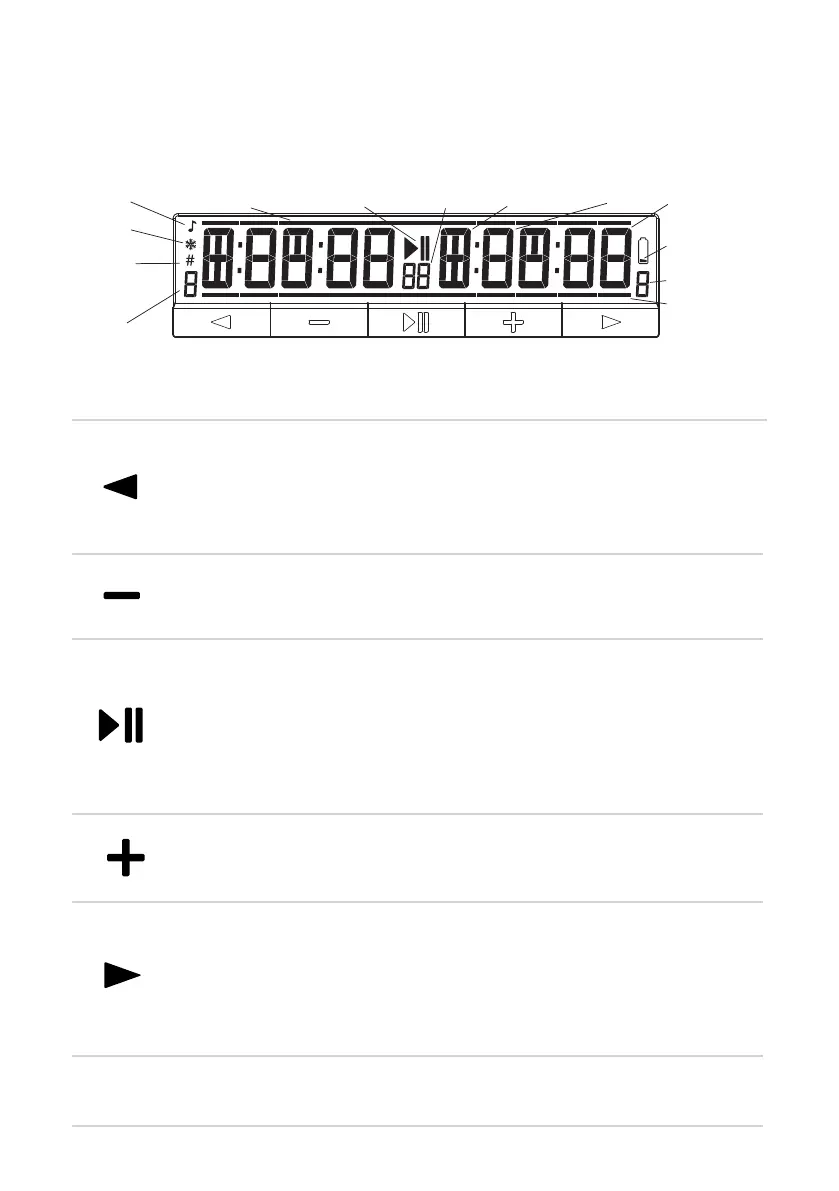
Start, or Pause the clock.
Arbiter mode: When clock is in “Pause” mode, press and hold this button for
3 seconds, to enter the Arbiter mode where you can edit the current time and
move count.
Accept+Skip: In “Selection mode” press this button to accept the current
selection. If you are in a manual setting, press this button to accept all changes
and skip further screens. The clock will immediately go to “Wait for start”.
Move the cursor, or go to the next setting screen.
Accept: In “Selection mode” press this button to accept the current selection. If
you are in a manual setting, this button will move you to the next setting screen.
Freeze: In “Wait for start” mode, hold this button for 2 seconds to turn Freeze
On/Off. So that the time “Freezes” for both sides, when one player reaches 0:00.
Increase value of a selected digit by 1.
Move counter: Hold to this button to show the number of finished moves for
each side
Decrease value of a selected digit by 1.
Sound: In “Wait for start” or “Pause” mode, hold this button for 2 seconds to
turn the Sound On or Off.
Move the cursor, or go to the previous setting screen.
Show option information: In “Wait for start” and during “Option select” press
this button to see the timing category, and detailed settings.
Forced move counter: In “Wait for start” mode, hold this button for 2 seconds
to set the clock so that the period transition is based on the number of moves.
On/Off: Use the white button on the bottom to turn the clock On or Off. If you
press it quickly twice, you reset the clock in the last used option.
Freeze
Forced
move
counter
Period
Minutes Seconds
Option
Flag / Selection bar
Sound
Flag /
Selection bar
Period
Low battery
Hours
Run / Pause
Figure 1. DGT2500 Display



 To Next Page