Need help?
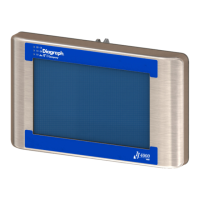
Do you have a question about the Diagraph 4000-HH and is the answer not in the manual?
Explains safety symbols like Caution, Warning, and ESD protection.
Describes the main display elements and buttons of the controller's home screen.
Details the Print, Purge, and Status buttons and their functions.
Allows creation, editing, and deletion of print messages.
Describes how to insert and configure time and date codes into messages.
Details how to insert and configure product counts, variable fields, and logos.
Covers barcode types, product setup, and menu options for printing.
Provides access to settings like Time, Date, Network, and User Access.
Steps to back up system configuration and message files to a USB drive.
Steps to restore system configuration and message files from a USB drive.
Describes navigating, copying, cutting, pasting, and deleting files.
 General
| Brand | Diagraph |
|---|---|
| Model | 4000-HH |
| Category | Controller |
| Language | English |


 To Next Page