4.7 Calendar
Touch Calendar on Home screen, you can use the
calendar to add events and manage events. To delete or
edit an event you have added, touch the event to bring up
options, to edit, “Save” to save the event, to select
“Delete” or “Duplicate” and confirm when prompted.
5 Making a Call
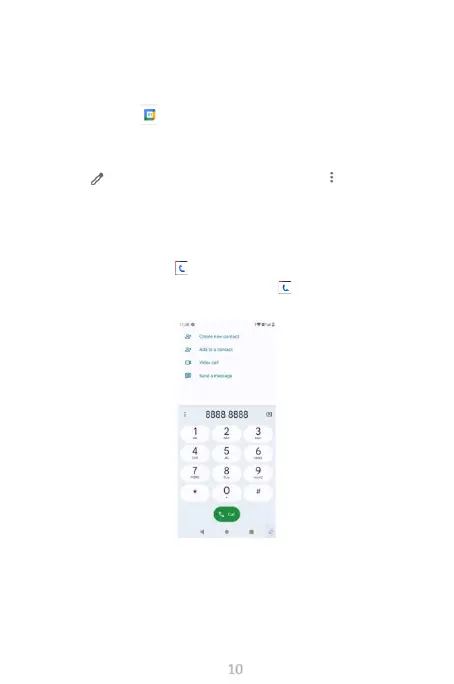
Place a call using Call by touching the Application tab
from the Home screen and select Call .



 To Next Page