2.3 Powering off your phone
While the phone is on, press and hold the Power key until the pop-
up menu appears, select Power off to confirm.
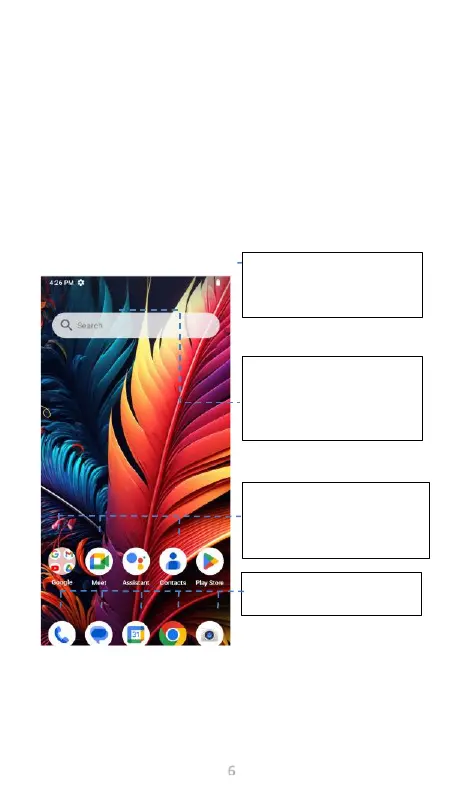
3 Home screen
You can organize all of the items (applications, shortcuts, folders
and widgets) that you use most frequently to your Home screen for
quick access. Touch the Home key to get back to the Home screen.
Swipe the Home screen upward to view additional screens
Favorite tray applications
Touch to open an application.
Touch and hold to move an
application.



 To Next Page