7
Public
Make it yours
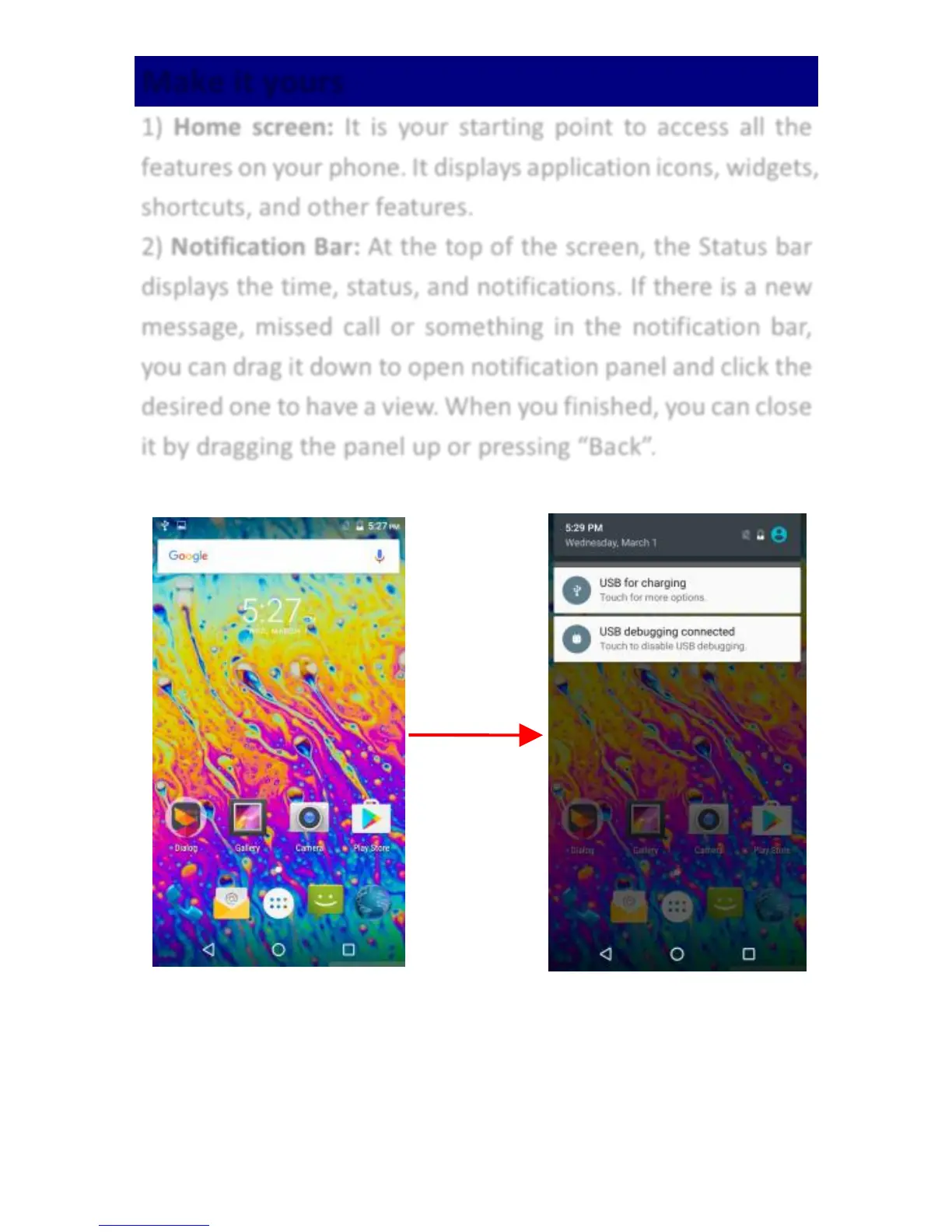
1) Home screen: It is your starting point to access all the
features on your phone. It displays application icons, widgets,
shortcuts, and other features.
2) Notification Bar: At the top of the screen, the Status bar
displays the time, status, and notifications. If there is a new
message, missed call or something in the notification bar,
you can drag it down to open notification panel and click the
desired one to have a view. When you finished, you can close
it by dragging the panel up or pressing “Back”.



 To Next Page