8
Public
Add Widgets and more icons to Home Screen
Add widgets and icons to home screen
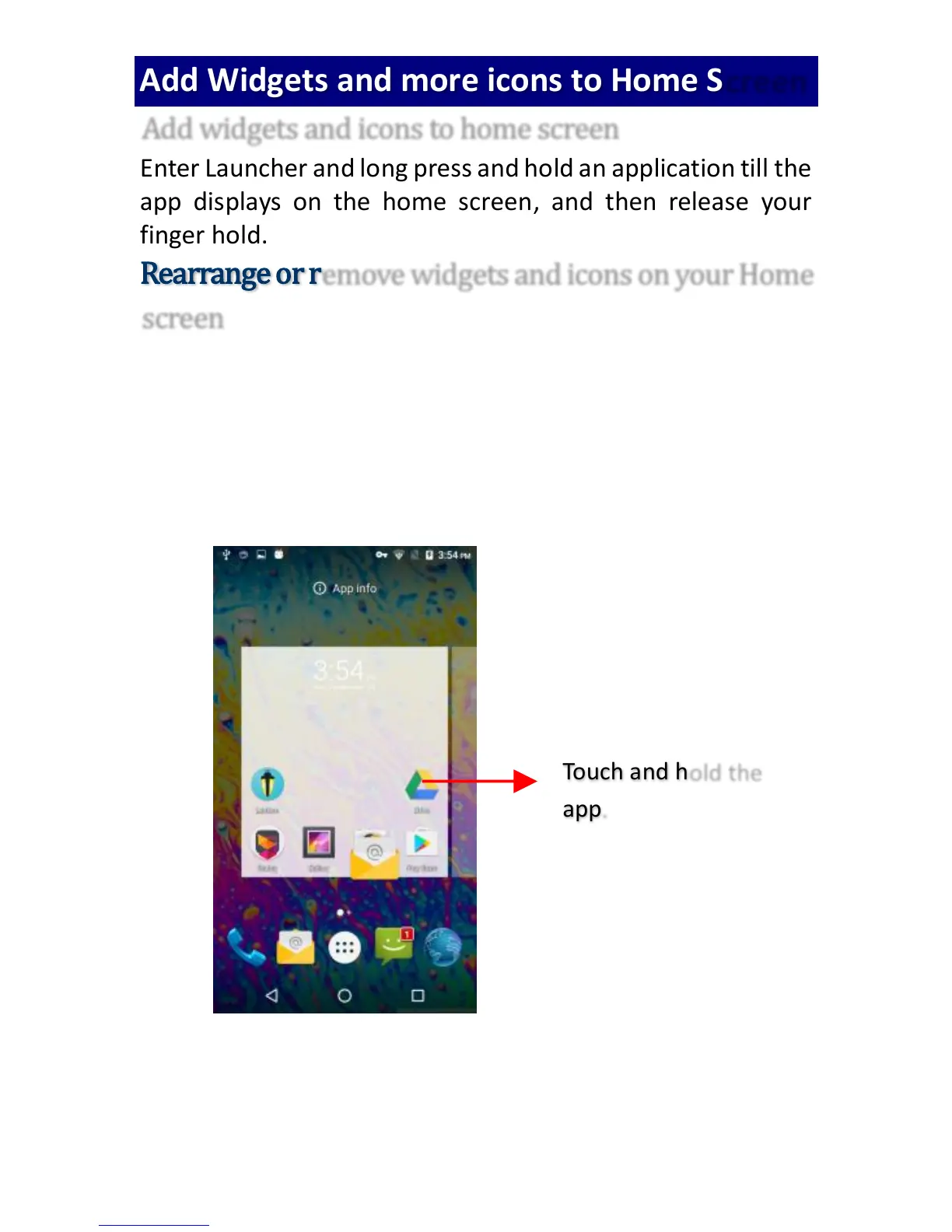
Enter Launcher and long press and hold an application till the
app displays on the home screen, and then release your
finger hold.
Rearrange or remove widgets and icons on your Home
screen
a). Long press and hold the widget or icon you want to move.
Once “App info” appears, don't release your hold on
the icon and drag the widget or icon to a new location
on the screen.
b.) Press and hold on icon for several seconds, and then
drag the widgets or icon to remove!



 To Next Page