9
Public
Enter Launcher
Open and Switch Applications
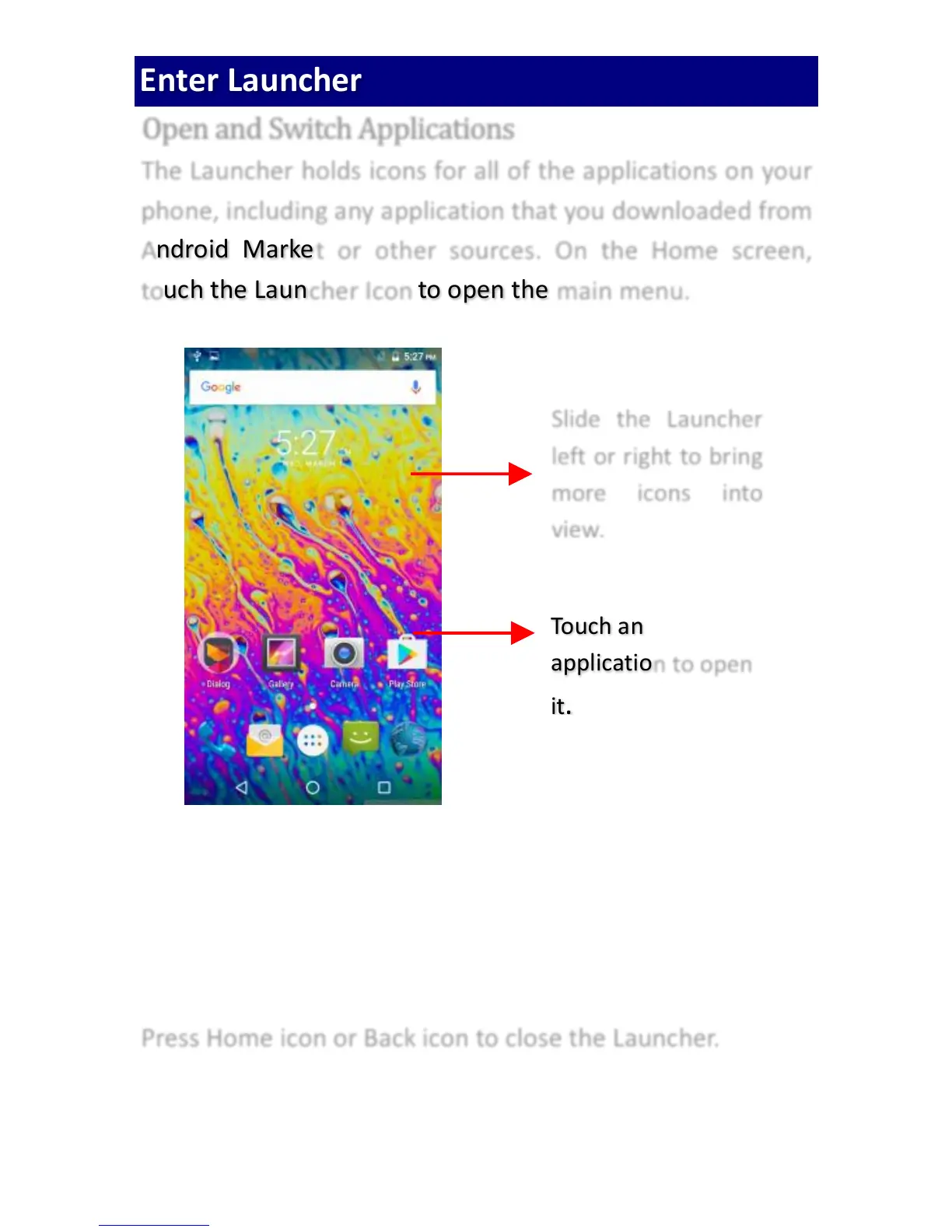
The Launcher holds icons for all of the applications on your
phone, including any application that you downloaded from
Android Market or other sources. On the Home screen,
touch the Launcher Icon to open the main menu.
Press Home icon or Back icon to close the Launcher.



 To Next Page