noitcurtsnI gnitarepO +TNA
A. Press ANT+ to activate the function (the ANT sign will blink 30 seconds after the
activation, waiting for the user's heartbeat belt & bracelet to be matched.)
B. Pairing with heart rate wristband & heart rate chest belt: The matching should be
completed within 30 seconds after the activation of ANT+.
C. When the console is matched with APP&PC, it will not be subjected to the 30 seconds
limitation, and will be matched automatically.
D. Matching distance: GARMIN wrist band should be put as close to the console screen as
possible. The matching distance of the GARMIN heart rate chest belt is around 50 CM.
E. APP&PC software that can be matched with this console are as below
Factory Mode
1. ANT+ HRM RX
Compatible/certified HRM devices: https://www.thisisant.com/directory/filter/~/~/~/109/
2. ANT+ FE-C TX
Compatible/certified FE-C devices and APPs: https://www.thisisant.com/directory/filter/~/~/~/268/
And many not-yet-certified like ZWIFT (famous home use APP), myzone (group cycling), SPIVI and so on.
3. BLE FTMS TX
The only BLE standard for fitness equipment. More APPs and bikes are supporting this standard.
SufferFest, TrainerRoad, and Kinomap are FTMS compatible.
TrainerRoad
ZWIFT
SPIVI
myzone
The Suffer
Fest
kinomap
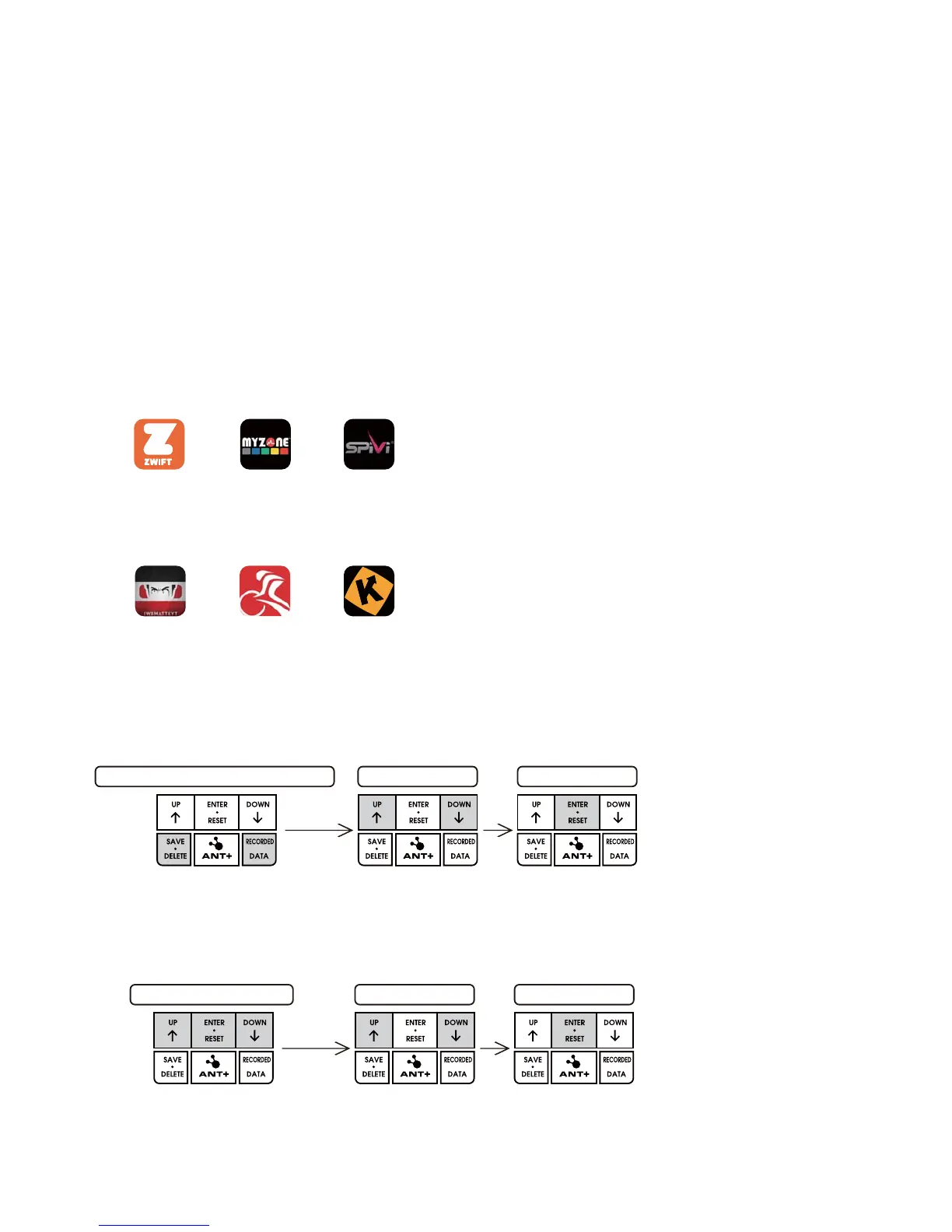
KM / ML SELECT
PRESS SAVE.DELETE+RECORDED.DATA
PRESS ENTER
ON / OFF SELECT
PRESS UP+MODE+DOWN
PRESS ENTER
18
A.HOW TO SET KILOMETERS / MILES
Press the key of “SAVE.DELETE + RECORDED.DATA” together to enter KM/ML switch.
B.HOW TO SET ON / OFF BUZZER
Keep press the key “UP + ENTER.RESET + DOWN” together enter the voice control, and
then to press the key UP/DOWN to choose the voice ON or OFF.


 To Next Page