CONSOLE DISPLAY
Step-by-Step Instructions
y Power-up
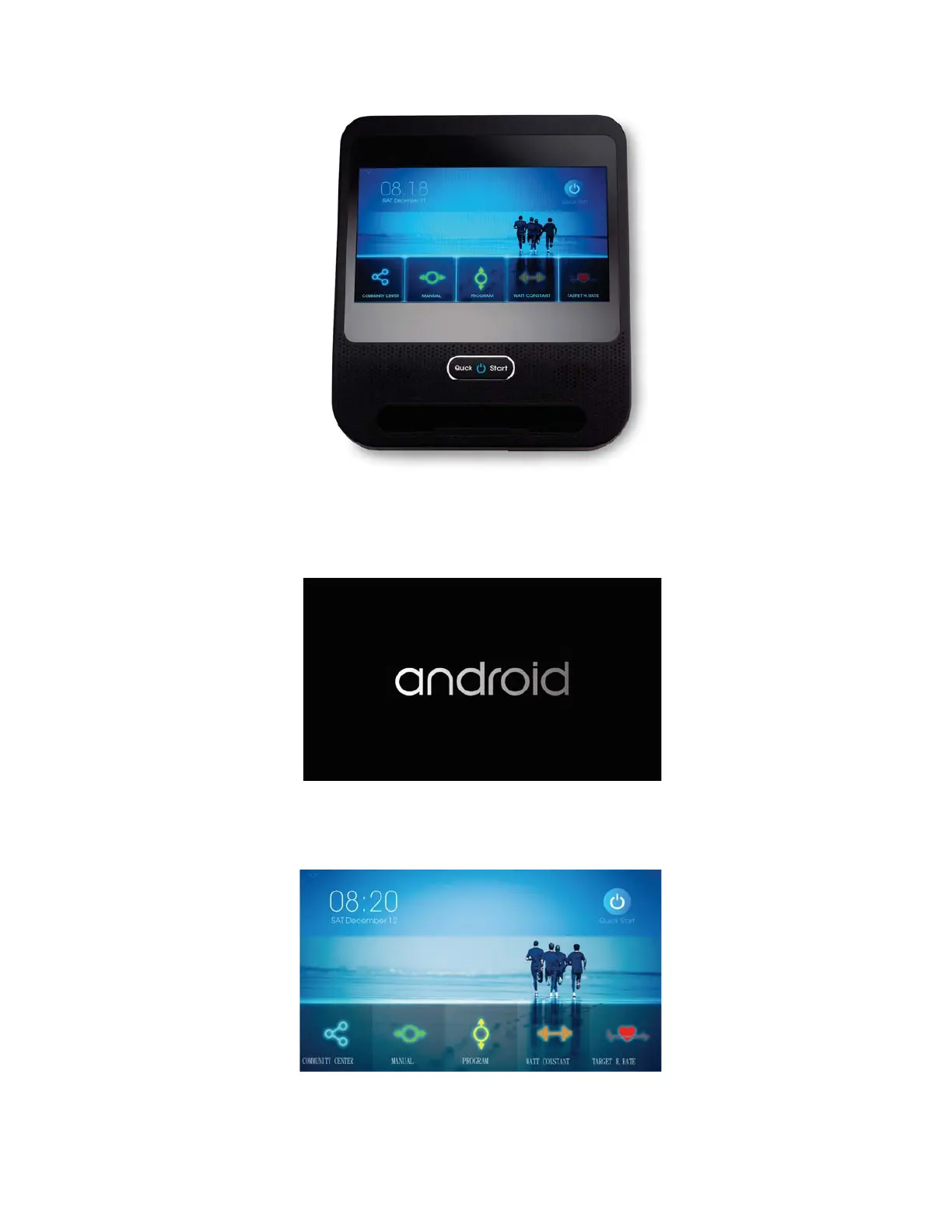
Press the Quick Start Button to turn on the console.
Fig 1. TURN-ON DISPLAY
Fig 2. Home Screen
11
Once warmed up, the display will turn on the Home Screen. Please check Figure 2.
*** Notice that if the console has already been started, it will turn from a black screen
into the Home screen directly after you press the Quick Start Button.



 To Next Page