y How to Set-up Your Console?
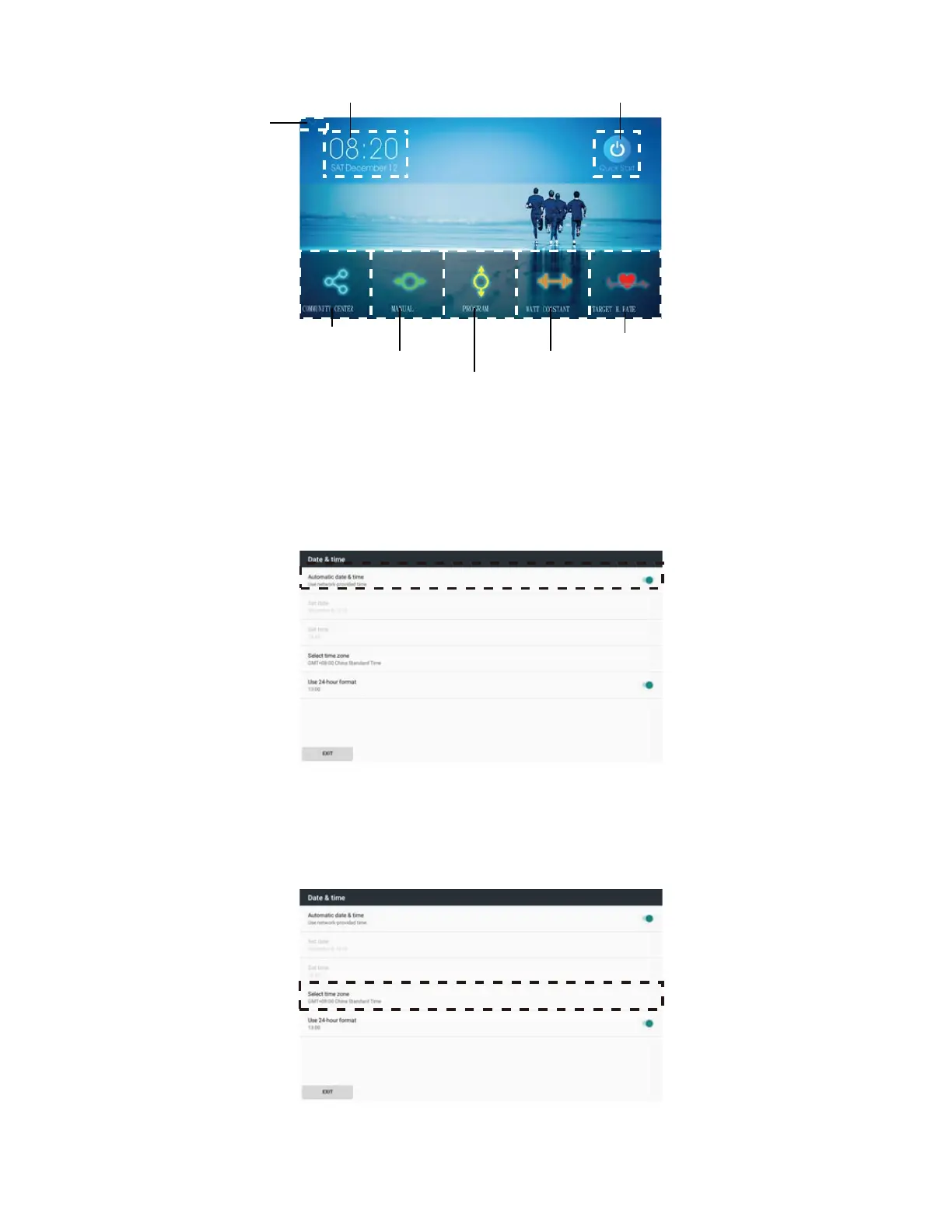
Fig. 3 Functions on the Home Screen
¾ Time Setting
1. Press Time Setting to set-up the time and date of the console.
2. Turn on the ‘Automatic date & time.’
Please check Figure 4.
Fig.4 ‘Automatic date & time’ can help the console adjust the time
automatically while the console connectT with WIFI.
3. Choose the correct time zone where you BSFlocateE.
Fig.5 Time Zone Selection
Time Setting QUICK START function
Setting Mode
COMMUNITY CENTER
MAUNAL
PROGRAM
WATT CONSTANT
TARGET H.RATE



 To Next Page