3. After using TARGET H. RATE
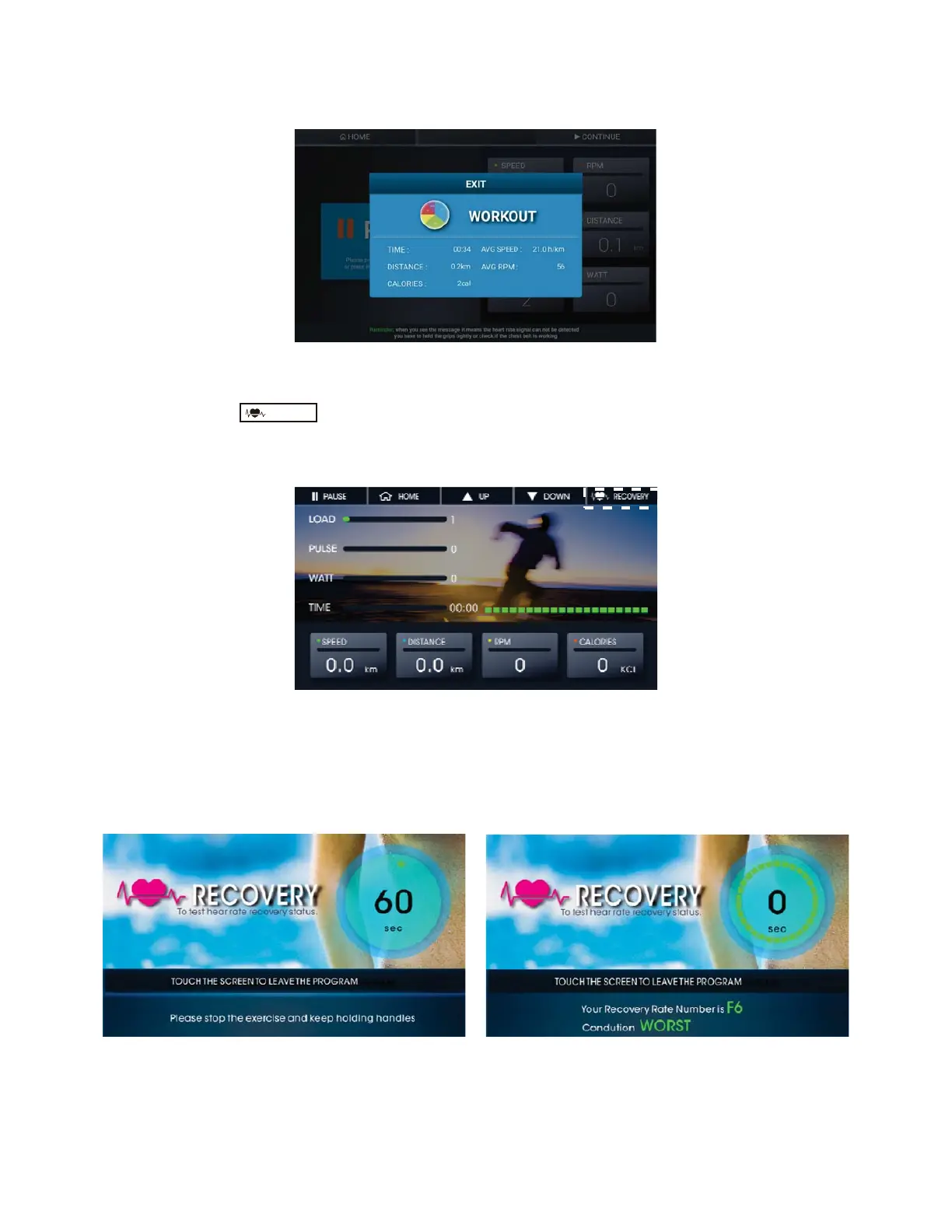
Fig. 25 Workout Data Display (III)
¾ Recovery Function
There is function button on every kind of training modes when you are
excercising.
Take Quick Start as an example, please check figure 26.
Fig.26 Recovery Function
Fig. 27 Recovery Function (a) Fig. 27 Recovery Function(b)
RECOVERY
21
Before going back to the Home Screen, it will show the Workout Data if your training
time was over 30 Seconds. Please check Figure 25
If you want to check your heart rate performance when slowing down, press this
button and it will start to count down from 60 seconds.
Keep holding the grips and let the console evaluate your heart rate performance.
Please check Figure 27.
There are six levels of pe
rformance, from F1 to F6.
Note: This is just an evaluation for reference.
According to research, if your heart rate slows down faster after you exercise, you have a
better performing cardiovascular system. F1 is the best, and F6 is the worst.



 To Next Page